Pico Remotes in Austin
Battery-powered Lutron remotes for lights, shades, and Sonos. They work with Caséta, RadioRA 3, and HomeWorks.
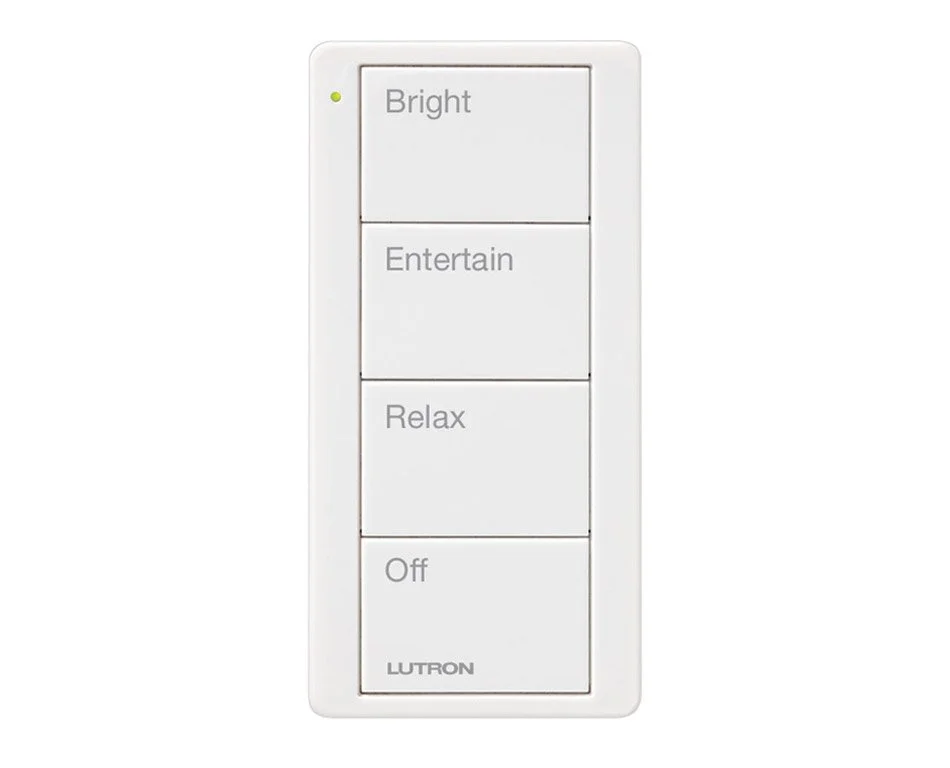
Pico: a keypad with no wire at all
Pico is a battery-powered remote, 3V with a 10-year battery life, talking by Clear Connect Type A RF with about 30 ft range through walls (Lutron). It works with Lutron Caséta, RadioRA 3, and HomeWorks, so you can add control to a room without opening a wall, and the same remote design is used in every system.
| Keypad | How it talks | How it is powered | Where it fits |
|---|---|---|---|
| Palladiom keypad | Wired QS link | Low-voltage wire, 24 to 36V from the QS link | HomeWorks QSX, new construction or open walls |
| Alisse keypad | Wired QS link | Low-voltage wire, 24 to 36V from the QS link | HomeWorks QSX, premium solid brass faceplates |
| Sunnata keypad | Wireless, Clear Connect Type X | Line voltage, 120 to 277V hot and neutral at a standard wallbox | Retrofits and finished walls, no keypad wire runs |
| seeTouch keypad | Wired or wireless, per Lutron | Depends on the model | Older systems, a prompt to review the path to QSX |
| Pico remote | Wireless, Clear Connect Type A | Battery, no wire at all | Anywhere: handheld, wall, or tabletop |
Lighting, shade, audio, and custom Picos
- Lighting Picos: on and off, raise and lower, or scene buttons with light icons
- Shade Picos: open, close, and preset positions with shade icons, including raise and lower models
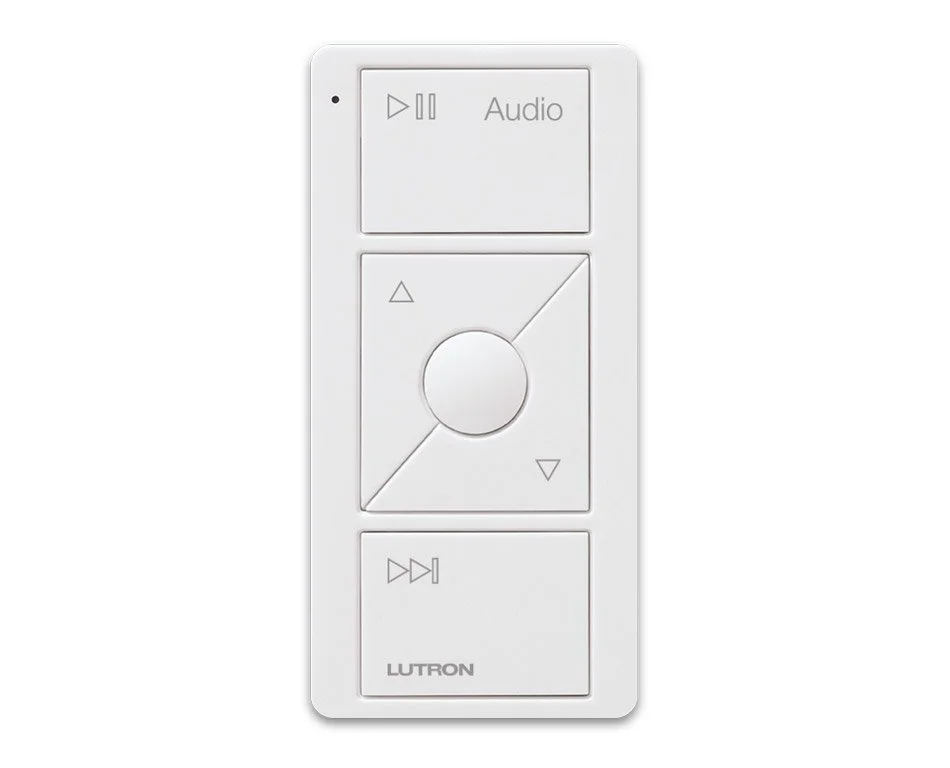
- Audio Picos: play and pause, volume, skip, and Favorites for one Sonos room
- Custom engraved Picos: your own text or icons for scenes such as Goodnight or Movie
Configurations are 2-button, 2-button raise and lower, 3-button, and 3-button raise and lower. Pico can also be paired directly to some Lutron devices, such as Triathlon shades, without a processor. See Triathlon.
Pair a Pico with Sonos
On RadioRA 3 and HomeWorks QSX, Lutron integrates with Sonos through the Lutron app. An audio Pico then controls one Sonos room: play and pause, volume, skip, and Favorites, with no phone needed. Lutron's integration guide says to use all-wired or all-wireless Sonos speakers (Lutron).
Handheld, wall, or bedside pedestal
A Pico can be handheld, mounted on a wall, or set on a tabletop pedestal, for example beside a bed. Lutron lists tabletop, car visor, handheld, or mounting on drywall, brick, tile, or glass. On metal surfaces a mounting accessory is required. Custom engraving is available on Caséta Pro, RadioRA 3, and HomeWorks.
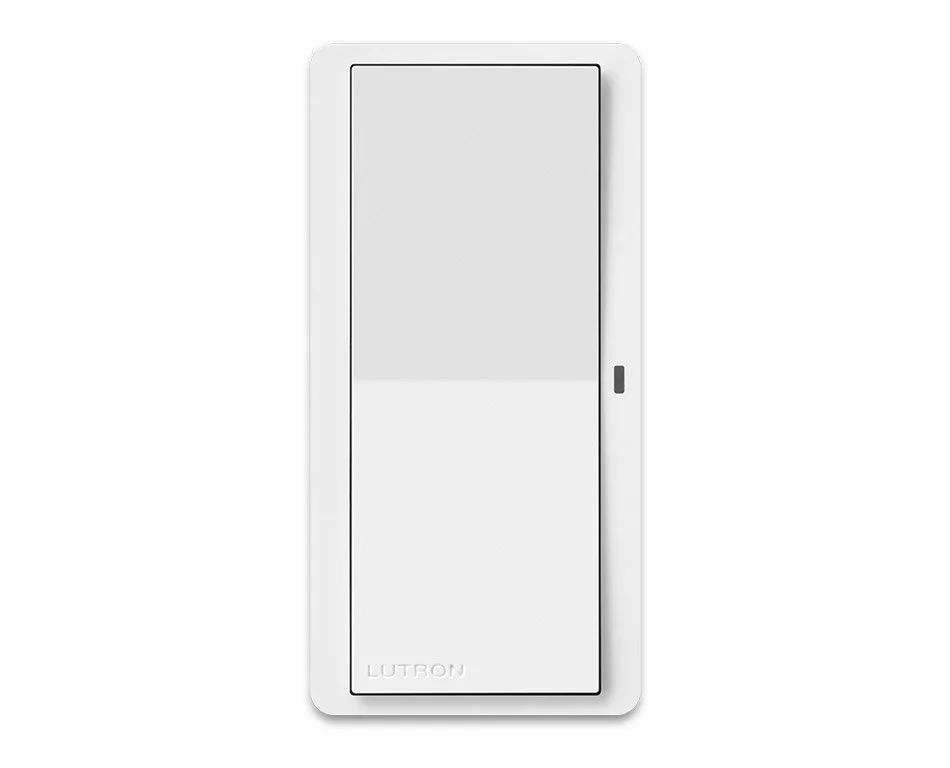
Pico Paddle looks like a Diva switch and pops off the wall to become a remote.
Pico FAQ
Which Lutron systems work with Pico?
Lutron lists Caséta, RadioRA 3, and HomeWorks. One remote style works across them.
Does Pico need wiring?
No. It is battery powered with a 10-year battery life and communicates by Clear Connect Type A RF.
Can a Pico control Sonos?
On RadioRA 3 and HomeWorks QSX, an audio Pico can control one Sonos room through the Lutron app: play and pause, volume, skip, and Favorites.
Are there shade Picos?
Yes. Shade Picos have shade icons and open and close buttons, and models with raise and lower.
Are there lighting Picos?
Yes, with on and off, raise and lower, and scene buttons with light icons.
Can I get a custom engraved Pico?
Yes, with your own text or icons on supported systems.
Can a Pico sit on a nightstand?
Yes, on a tabletop pedestal. It can also be handheld or wall mounted.
Which keypads need low-voltage wire?
Palladiom and Alisse. See the table above.
Can I see Pico in person?
Yes, by appointment in our West Lake Hills showroom. Book a visit or call 512-775-6101.
Planning remotes and keypads?
Smarter Homes Lutron Showroom5524 Bee Caves Rd, Unit J8
West Lake Hills, TX 78746
512-775-6101
Showroom visits are by appointment. Bring your plans and we will map products, wiring, and scenes to your floor plan.