HomeWorks QSX Design and Installation in Austin
The Lutron platform for new construction and major renovations, with Ketra, premium keypads, and shades, designed and programmed by Smarter Homes.
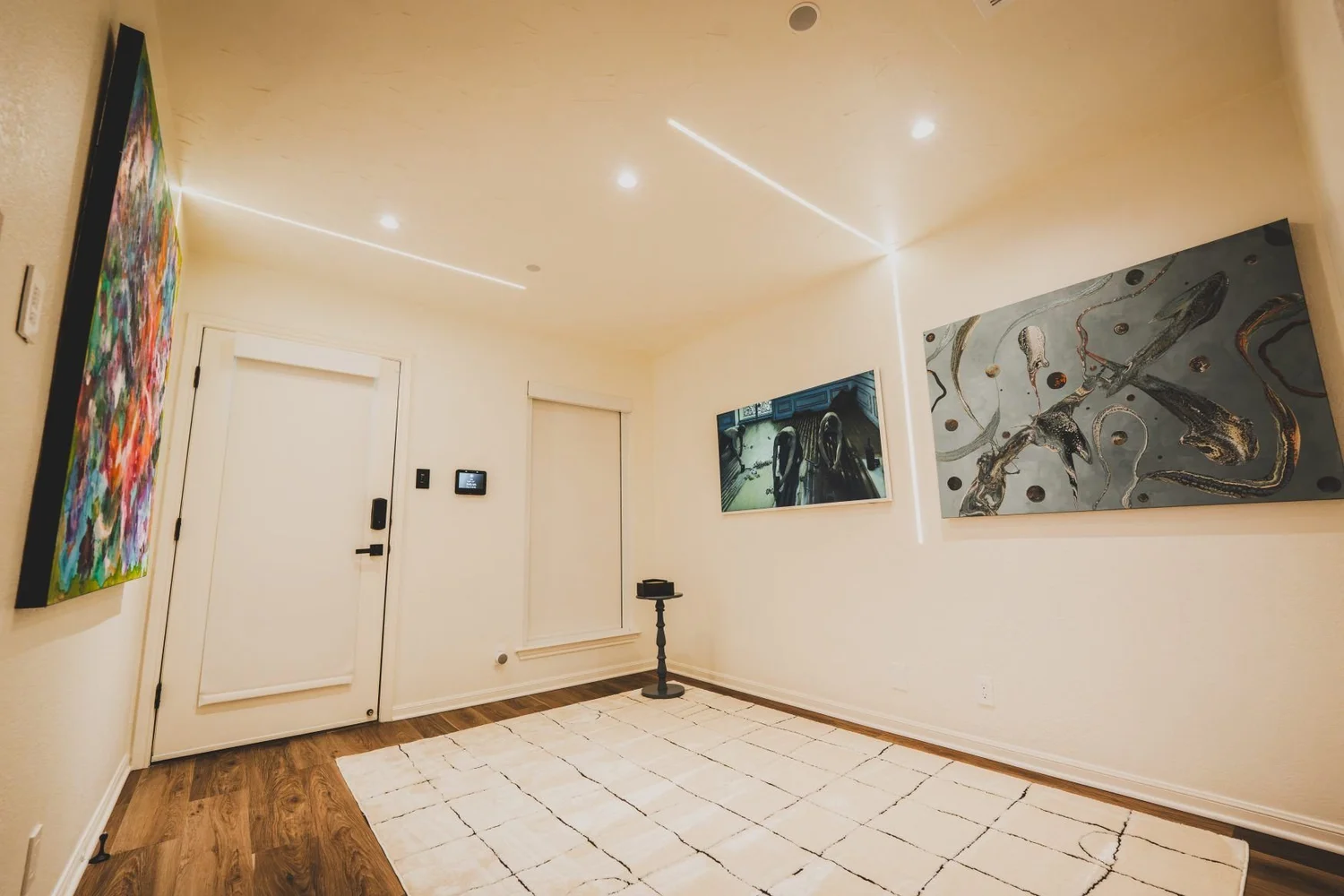
The brain of a luxury Lutron home
HomeWorks QSX is Lutron's top residential system. A QSX processor connects over Ethernet to your lighting, shades, keypads, and integrations, and carries the scenes that make the whole house behave the same way in every room. It is the platform we use for new construction and major renovations.
One processor, many links
The wired QSX processor controls and communicates with the system's components. Ethernet links carry Lutron Designer, third-party integrations, and communication between multiple processors (Lutron).
Ketra intelligent lighting
Ketra needs the QSX processor and a Clear Connect Type X gateway. You gain control of color, color temperature, and vibrancy. See our Ketra page.
Premium keypads
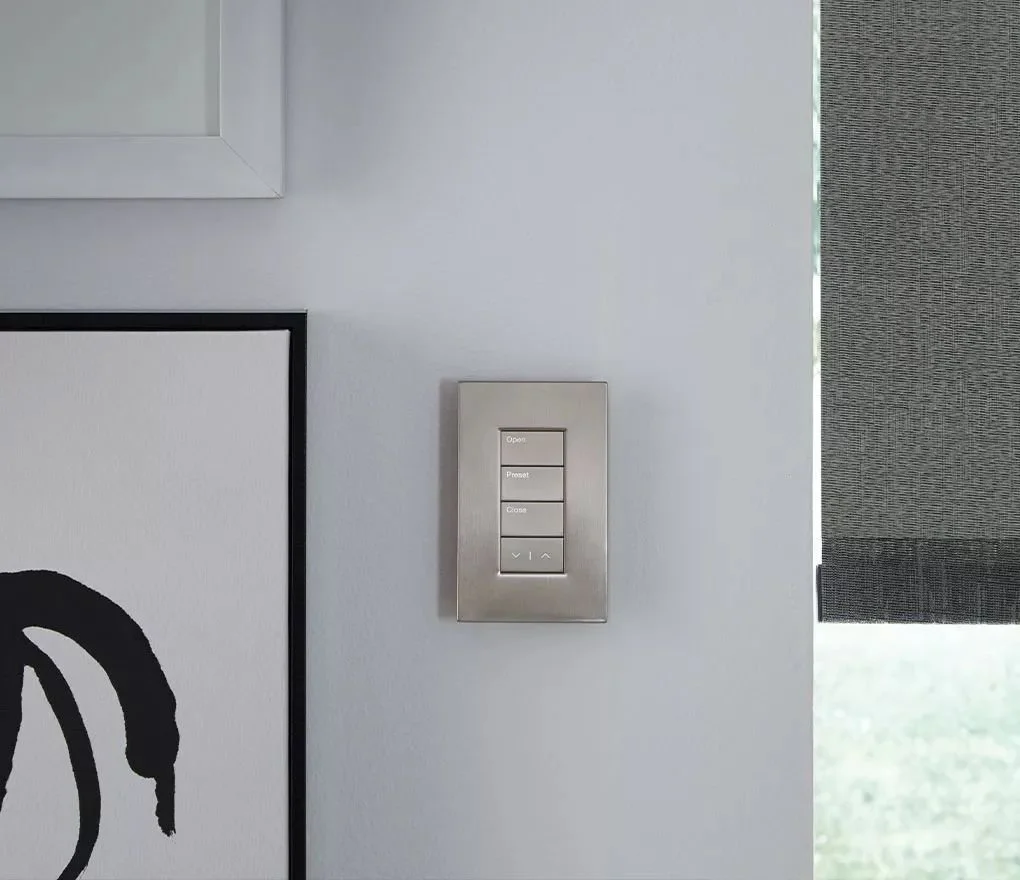
Alisse and Palladiom keypads, including Palladiom wallstations that Lutron lists as available only in HomeWorks QSX systems. See Alisse and Palladiom.
Shades
Palladiom wire-free and Triathlon retrofit shades, plus Sivoia QS. See Triathlon, Palladiom shades, and Sivoia QS.
PRO LED+ dimming
Lutron's dimming technology for LED loads, covered in Lutron Application Note 840.
Professionally programmed
A QSX project requires Lutron Designer 16.0 or later and a Windows computer on the same network as the processors (Lutron).
HomeWorks QSX or RadioRA 3?
Lutron currently offers Caseta, RadioRA 3, and HomeWorks QSX. They share features but differ in scale and design (Lutron system guide). We use QSX for new construction, specialty fixtures, premium keypads, and large homes. We use RadioRA 3 for finished homes and remodels.
- New build or gut renovation with open walls: HomeWorks QSX
- Ketra tunable color lighting: HomeWorks QSX
- Alisse or Palladiom keypads: HomeWorks QSX
- Finished home, no rewiring: RadioRA 3
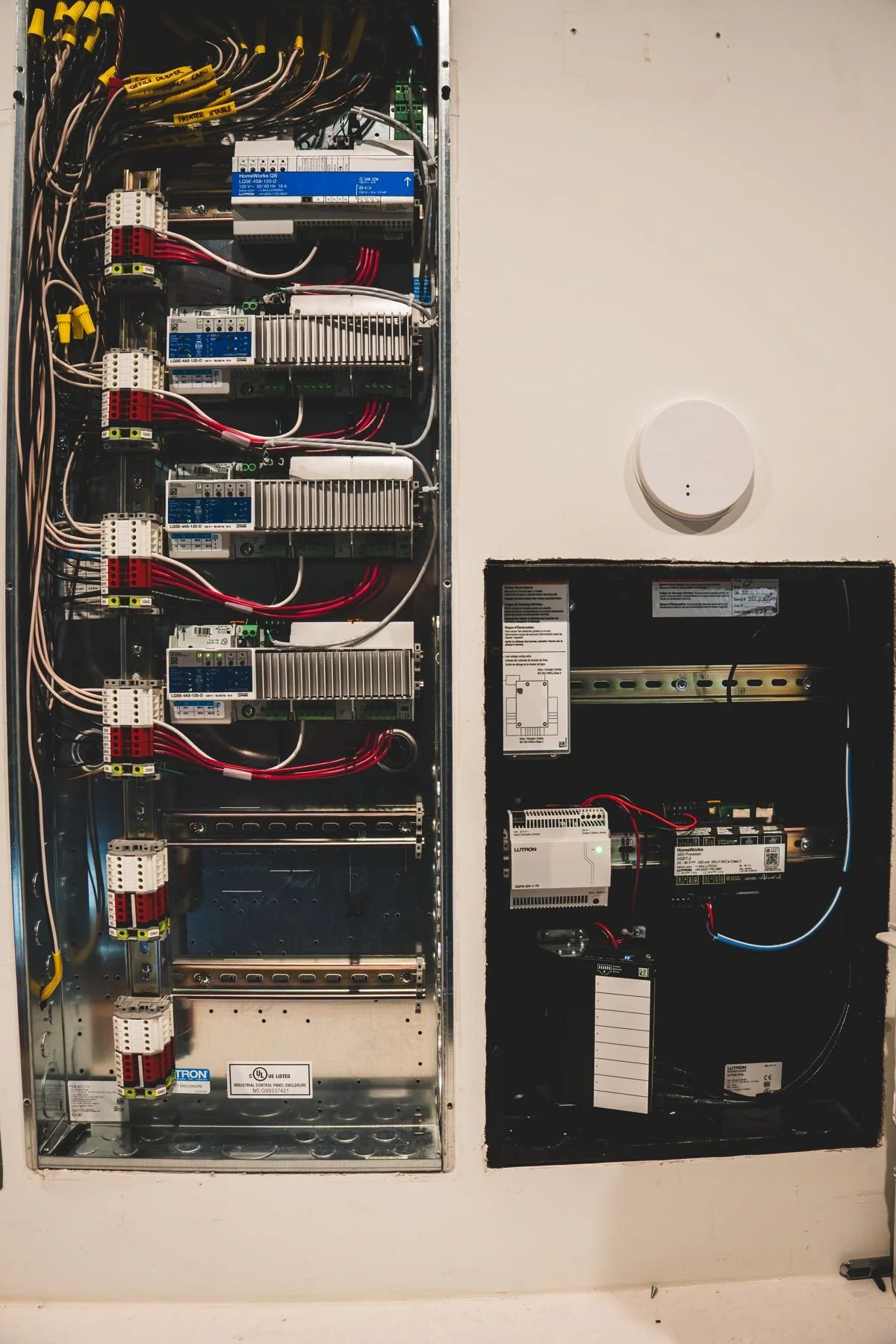
From HomeWorks Illumination or QS
An older HomeWorks Illumination system can move to QSX. Lutron describes a database conversion tool that keeps most Design and Program content, and says legacy panelized equipment can communicate with a QSX processor through a translator (Lutron Application Note 840). Upgrades usually replace some older hardware, so we audit the existing equipment first.
Our guide to this upgrade is below, and the podcast episode covers it in more detail.
HomeWorks QSX downloads
Guides, architecture documents, and integration notes we use when planning a QSX system.
HomeWorks in a Barton Creek home
See how HomeWorks, Ketra, and custom AV came together in the Barton Creek case study.
HomeWorks QSX FAQ
What is HomeWorks QSX?
HomeWorks QSX is Lutron's top residential control system. A QSX processor connects to lighting, shades, keypads, and integrations over Ethernet, and Lutron Designer programs it.
What does a QSX system need to be programmed?
Lutron lists Lutron Designer version 16.0 or later on a Windows computer, the QSX processors, and a router or network switch that places them on the same network.
Does Ketra need HomeWorks QSX?
Ketra lighting is integrated through a QSX processor and a Clear Connect Type X gateway for color, color temperature, and vibrancy control.
Can my older HomeWorks Illumination system upgrade to QSX?
Yes. Lutron provides an upgrade path, including a database conversion tool and translators for legacy panelized equipment. We audit the system first.
Which shades work with QSX?
Lutron lists Palladiom wire-free and Triathlon retrofit shades among QSX supported shades, and Sivoia QS also works with HomeWorks.
HomeWorks or RadioRA 3?
HomeWorks fits new construction, Ketra, premium keypads, and large homes. RadioRA 3 fits finished homes and remodels. We recommend the one that fits your home.
Where can I see HomeWorks in Austin?
In our West Lake Hills showroom, by appointment. Book a visit.
See HomeWorks in the showroom
Smarter Homes Lutron Showroom5524 Bee Caves Rd, Unit J8
West Lake Hills, TX 78746
512-775-6101
Showroom visits are by appointment. Bring your plans and we will map products, wiring, and scenes to your floor plan.
Why Your Austin Smart Home Feels Dumb (and How to Fix It with Lutron QSX)
Your smart home has a brain, but is it stuck in the past?
In this video, I break down why older systems like Lutron HomeWorks Illumination struggle with today’s LEDs, apps, and smart devices and how the new HomeWorks QSX platform completely redefines what’s possible.
Why older smart home systems flicker, buzz, and feel outdated
The hidden wiring problem nobody tells you about
How QSX replaces a mess of old links with one simple Ethernet network
The upgrade path: keeping what you have vs. starting fresh
The new future: flicker-free LEDs, app control, security, and more
If you’re living with a frustrating smart home setup or planning a new build, this is the upgrade roadmap you need.