Lutron RadioRA 3 in Austin: Lighting Control for Remodels
Wireless Lutron lighting and shade control for finished homes, with no rewiring of finished walls. Upgrading an older RadioRA 2 system? We do that too. Building new or want specialty fixtures? That is a HomeWorks conversation, and we will say so up front.
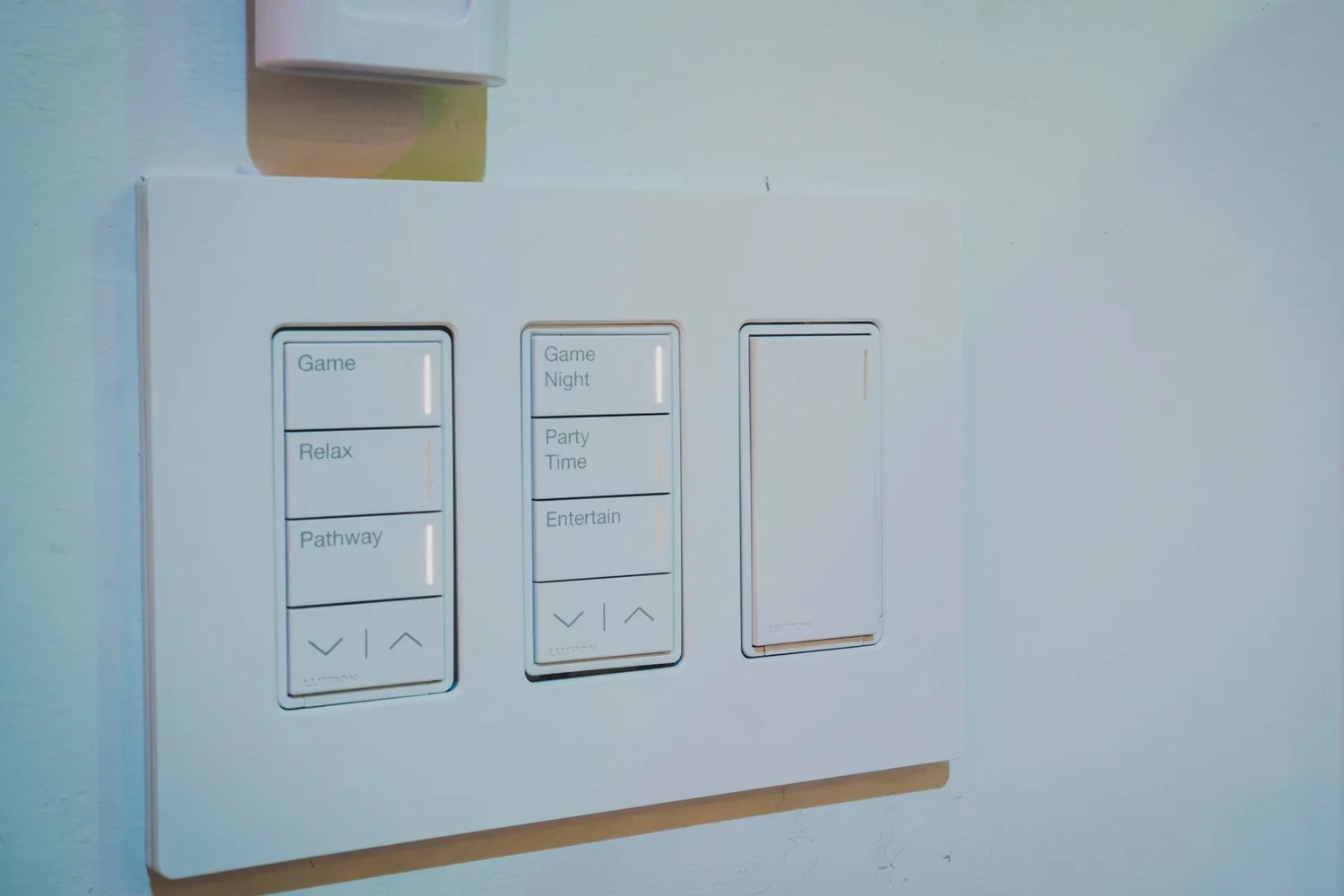
RadioRA 3 fits some homes very well, and others not at all
A good fit
- A finished home you want to upgrade without opening walls
- A remodel or addition, room by room
- An older RadioRA 2 system you want to move forward
- Standard fixtures, Lumaris tape light, shades, and keypads
- A home up to about 7,500 sq ft
Choose HomeWorks instead
- New construction, or a gut renovation with open walls
- Ketra tunable color lighting
- Alisse, Palladiom, Signature Series, or Architrave keypads
- Very large homes or heavy device counts
- DALI, panelized lighting, or motor modules
A professionally designed wireless system
RadioRA 3 is Lutron's wireless, professionally installed system for lighting, shades, and keypads. It uses Lutron's Clear Connect radio rather than Wi-Fi, and Lutron says it lets you start in one room and expand over time (Lutron). A single processor, powered over Ethernet, ties the dimmers, keypads, and shades together.
It is not a do-it-yourself product. Lutron states that RadioRA 3 can only be programmed by qualified installers using Lutron Designer (Lutron comparison). That is where we come in: we design the system, install the devices, program the scenes, and support it afterward.
Sunnata: the new look for an existing wall
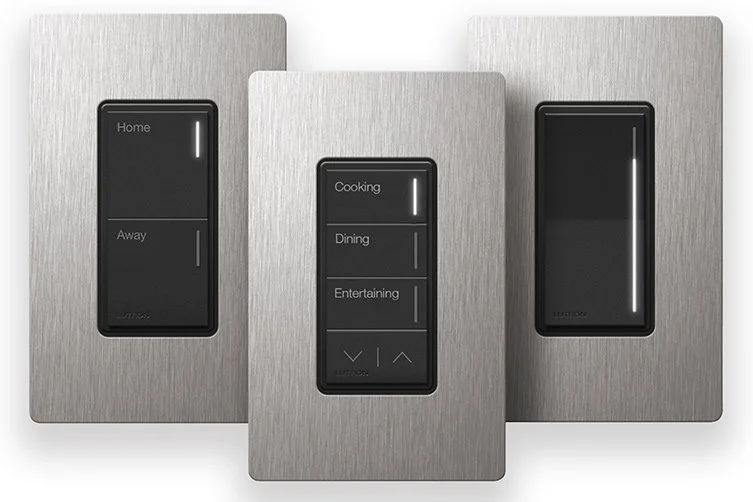
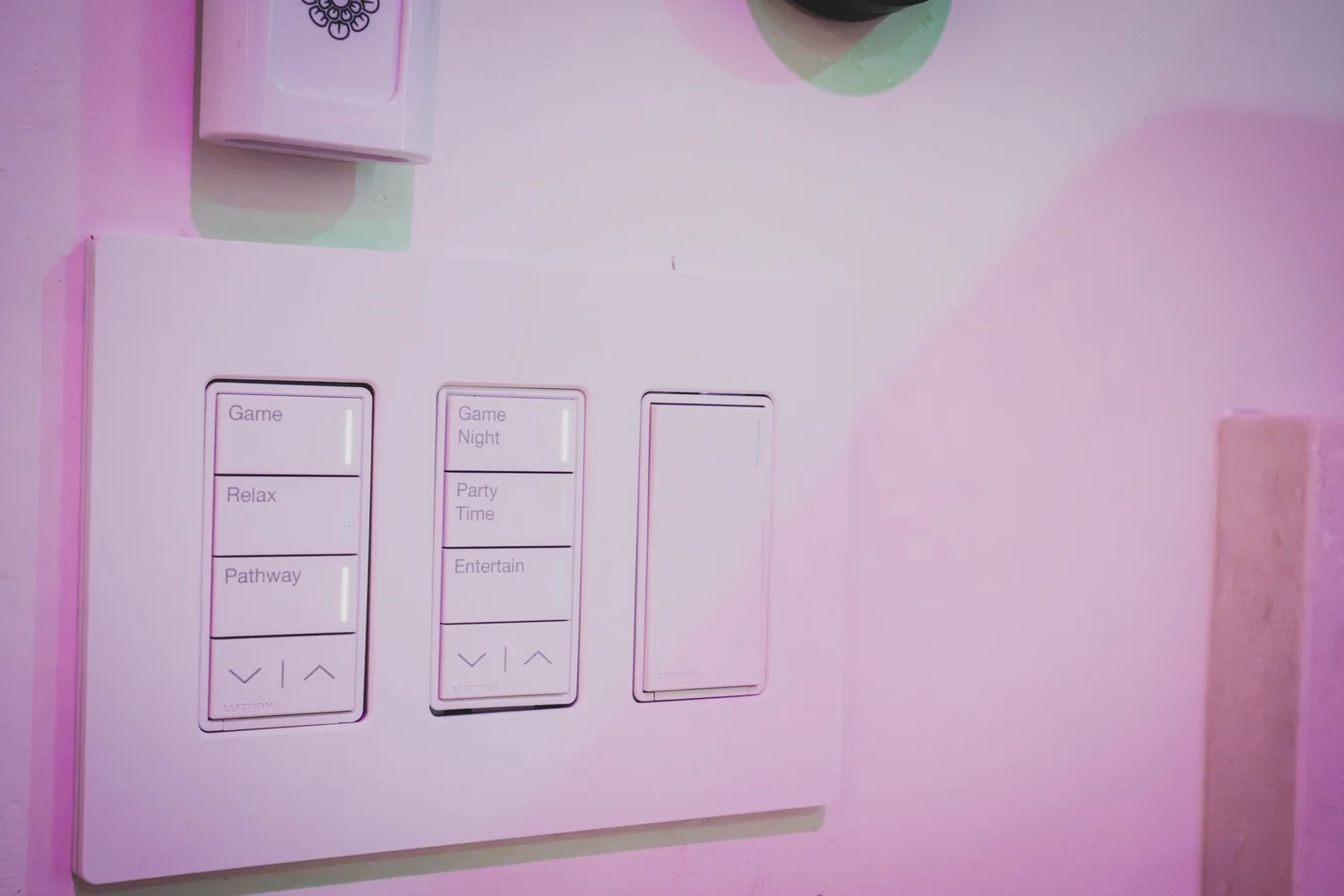
Sunnata is the dimmer, switch, and keypad family that RadioRA 3 is built around. In a remodel, we swap your old switches and dimmers for Sunnata in the same wall boxes. The lights, the shades, and the scene buttons all end up on a clean, matching set of controls.
- LED light bars show which scene is active
- Paddle dimmers and switches match the keypads
- No new wiring runs between rooms, because the devices talk by radio
- Lutron lists the Sunnata RF dimmer with PRO LED+ technology as needing a neutral wire, so we check your boxes first (Lutron)
See the full device family on our Sunnata page.
From RadioRA 2 to RadioRA 3
If you have an older RadioRA 2 or RA2 Select system, you may not need to start over. Lutron designed RadioRA 3 to be backwards compatible: the main repeater and Connect bridge are replaced by one RadioRA 3 processor, and your existing project is converted in Lutron Designer (Lutron).
Usually stays on the wall
- Maestro dimmers, switches, and fan controls
- SeeTouch keypads
- Pico remotes
- Radio Powr Savr sensors
- RF modules and plug-in modules
- Repeaters and Lutron shades
Source: Lutron compatibility list. We confirm your exact model numbers before quoting.
Has to be replaced
- GRAFIK Eye QS wireless control units
- GRAFIK T keypads
- seeTemp keypads
- TouchPRO wireless temperature control
- Wallbox Power Modules
- The HVAC controller with wireless temperature sensor
Lutron notes there is no direct RadioRA 3 replacement for Grafik Eye modules (Lutron).
How an upgrade goes
1. Review
We inventory your devices and check them against Lutron's list.
2. Convert
We convert your RadioRA 2 project file into a RadioRA 3 project.
3. Swap
The new processor replaces the main repeater and Connect bridge.
4. Test
We check every scene, schedule, and keypad button, then walk you through it.
Why we do not rush this. Lutron documents the pitfalls: defaulting the main repeater strands your devices, the old repeater must be off the network during setup, and devices still paired to the old system can leave Picos and sensors unable to control dimmers (Lutron).
RadioRA 3 vs HomeWorks QSX
We are primarily a HomeWorks company. That is not a sales angle. It is because most of the homes and fixtures we are asked for need it. RadioRA 3 is excellent at what it does, and it does not do everything. This table follows Lutron's own comparison (Lutron).
| RadioRA 3 | HomeWorks QSX | |
|---|---|---|
| Best for | Remodels and finished homes | New builds, custom and large homes |
| RF coverage | Up to 7,500 sq ft | Up to 50,000 sq ft |
| Capacity | 400 devices | Up to 10,000 zones |
| Keypads | Sunnata, Maestro, SeeTouch | Sunnata, Maestro, SeeTouch, Alisse, Palladiom, Signature Series, Architrave |
| Finishes | 20+ colors | 50+ colors and finishes (polymer, glass, metal) |
| Ketra tunable color lighting | Not listed by Lutron | Yes |
| Lumaris tape light | Yes | Yes |
| DALI and HomeWorks Digital | Not listed by Lutron | Yes |
| Motors, panelized lighting, motor modules | Not listed by Lutron | Yes |
| Shades | Triathlon, Sivoia QS, Palladiom wireless and wire-free | Triathlon, Sivoia QS and Palladiom (wired or wireless), Palladiom wire-free |
| Wiring | Wireless | Wired and wireless |
If you saw it in our showroom, ask before you assume. Only a limited slice of the fixtures, keypads, and finishes you see there are compatible with RadioRA 3. Ketra lighting and the Alisse and Palladiom keypads, for example, are HomeWorks products. We will tell you straight which route your wish list needs.
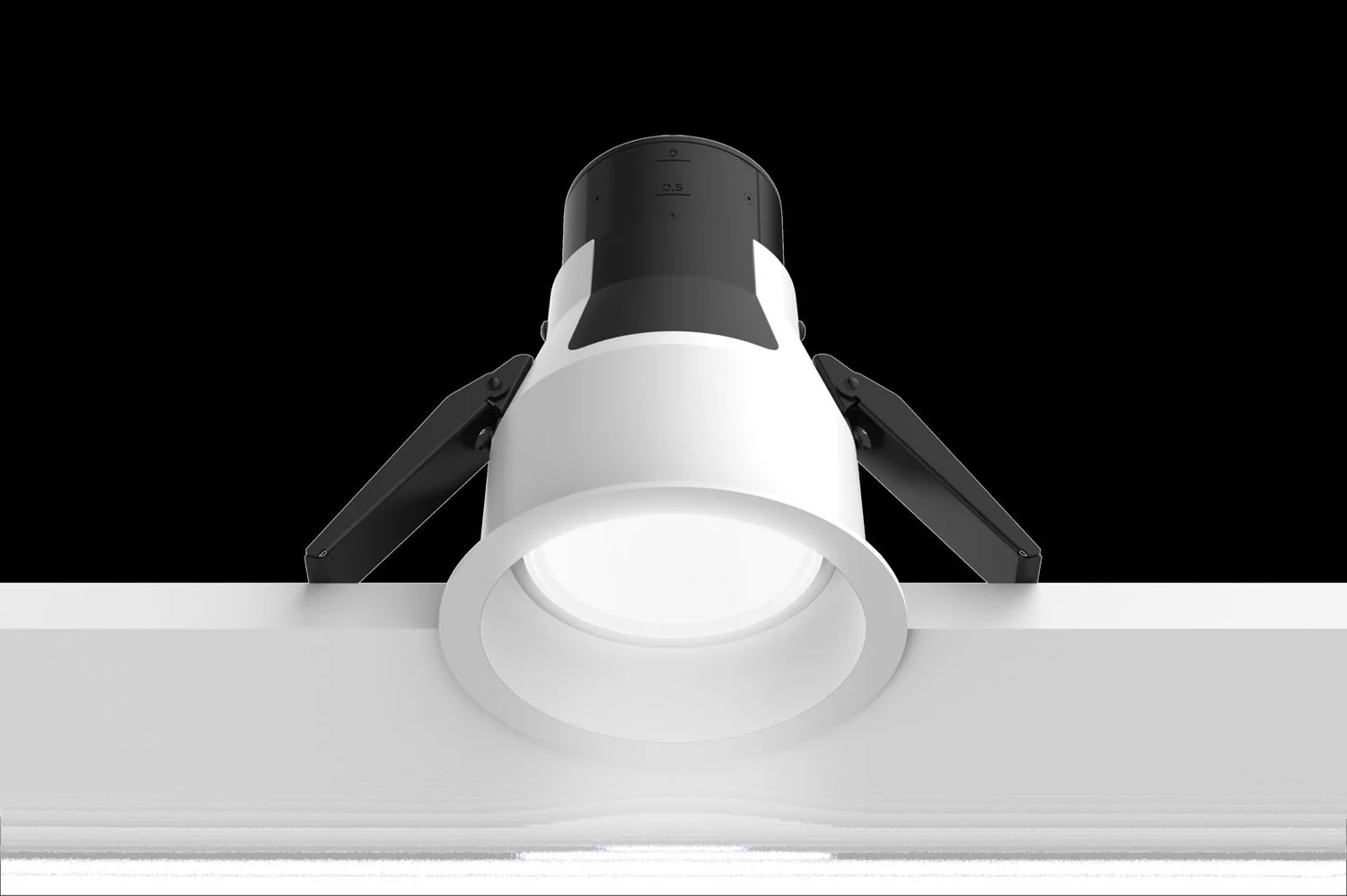
Rule of thumb: remodel with standard fixtures and Lumaris, choose RadioRA 3. New build, specialty fixtures, or a large home, choose HomeWorks. Read about HomeWorks QSX, Ketra, and whole-home lighting control.
Lights, shades, and scenes in one
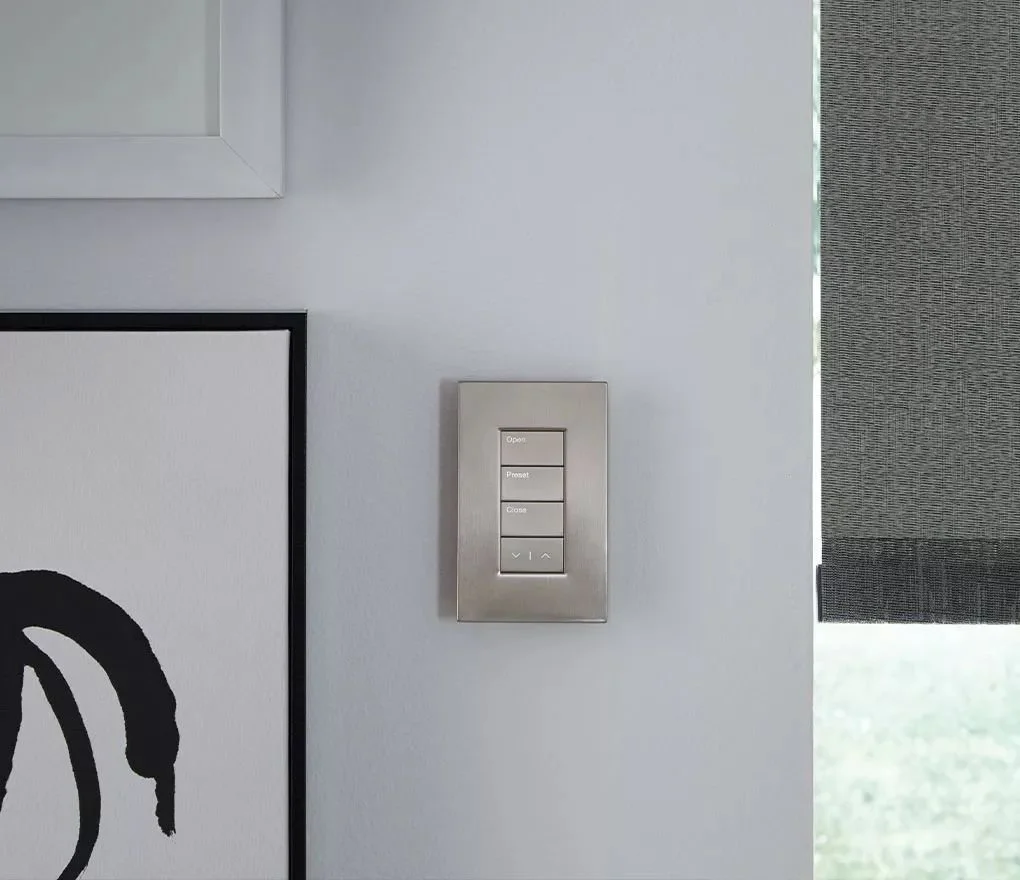
Dimmers, switches, fan controls, occupancy sensors, Lumaris tape light, and keypads sit alongside Lutron shades: Triathlon, Sivoia QS, and Palladiom. One button can lower the shades, dim the lights, and set the room for the evening. Voice control works with Alexa, Google Home, and Apple Home, and RadioRA 3 also integrates with Control4, Crestron, Savant, and Josh.ai.
The processor keeps running locally if your internet goes out, so keypads, scenes, and schedules still work (Lutron).
RadioRA 3 questions, answered straight
What is Lutron RadioRA 3?
RadioRA 3 is a professionally installed, wireless Lutron system for lighting control, shades, and keypads. It talks over Lutron's Clear Connect radio, not Wi-Fi, so it can go into a finished home without opening walls. Lutron says it scales to 400 devices with paired processors (Lutron RadioRA 3).
Is RadioRA 3 for new construction or for remodels?
We use it for remodels, additions, and finished homes where opening walls is not practical. For new construction we almost always recommend HomeWorks, because the walls are open, the wiring is cheap to run, and HomeWorks supports far more fixtures, keypads, and load types. If you are building new, start with our HomeWorks page.
What is the difference between RadioRA 3 and HomeWorks?
Scale and selection. Lutron lists RadioRA 3 at up to 7,500 sq ft and 400 devices, and HomeWorks QSX at up to 50,000 sq ft and up to 10,000 zones (Lutron comparison). HomeWorks also offers more keypad families and finishes, and load types RadioRA 3 does not list, such as DALI and Ketra. The table above shows the full list.
Can I use Ketra lighting with RadioRA 3?
Not in the projects we design. Lutron's comparison table lists Ketra under HomeWorks QSX and does not list it for RadioRA 3 (Lutron comparison). If Ketra is on your wish list, plan on HomeWorks. RadioRA 3 does support Lumaris tape light.
Can I use Alisse, Palladiom, Signature Series, or Architrave keypads with RadioRA 3?
No. Lutron lists those keypad families for HomeWorks QSX only. RadioRA 3 uses Sunnata, Maestro, and SeeTouch (Lutron comparison). Sunnata is a clean, modern keypad, but it is not the glass-and-metal look you may have seen in our showroom.
Can I use the specialty fixtures I saw in your showroom on RadioRA 3?
Many of them, no. Our showroom is built around HomeWorks, and only a limited slice of what you see there is compatible with RadioRA 3. Before you fall for a fixture, keypad, or finish, ask us whether it runs on RadioRA 3. We will tell you plainly, and if it does not, we will show you the HomeWorks route.
Can I upgrade from RadioRA 2 to RadioRA 3?
Yes. Lutron says RadioRA 3 is backwards compatible with RadioRA 2 and RA2 Select. You replace the RadioRA 2 main repeater and Connect bridge with a RadioRA 3 processor and convert the project in Lutron Designer (Lutron). Many existing dimmers, keypads, and shades stay on the wall.
Which RadioRA 2 devices can I keep?
Lutron lists compatible Maestro dimmers, switches, and fan controls, SeeTouch keypads, Pico remotes, Radio Powr Savr sensors, RF modules, plug-in modules, repeaters, and Lutron shades (Lutron). We check your model numbers against that list before we quote.
Which RadioRA 2 devices have to be replaced?
Lutron lists GRAFIK Eye QS wireless control units, GRAFIK T keypads, seeTemp keypads, TouchPRO wireless temperature control, Wallbox Power Modules, and the HVAC controller with wireless temperature sensor as not compatible (Lutron). Lutron also notes there is no direct RadioRA 3 replacement for Grafik Eye modules (Lutron), so those rooms get redesigned with Sunnata or other compatible devices.
Do I have to rewire anything to upgrade?
Usually not. The devices that stay keep their wiring, and replacements go into the same wall boxes. The processor is the main new piece. It is powered over Ethernet (PoE) and is typically placed centrally in the home (Lutron).
Will my scenes and programming carry over?
The goal is yes. Lutron's process converts your existing RadioRA 2 project file into a RadioRA 3 project in Lutron Designer, then we review, clean up, and test every scene, schedule, and keypad button (Lutron). We treat that as a review of your programming, not just a copy.
What can go wrong in an RA2 to RA3 upgrade?
Lutron documents a few traps. Factory-defaulting the main repeater strands your devices and forces reactivation of everything. The old main repeater must be off the network during setup. Devices still paired to the old system can leave Picos and sensors unable to control dimmers (Lutron). This is why we do these upgrades in a planned sequence, not as a quick swap.
Should I upgrade my RadioRA 2 system?
If it works and you are happy, there is no urgency to change. Upgrades make sense when you are adding rooms, replacing failed devices, want Sunnata devices, or want Lutron's cloud backup and remote servicing for the system. We will tell you honestly if waiting is the better call.
What is Sunnata?
Sunnata is Lutron's RF dimmer, switch, and keypad family for RadioRA 3. It has a clean paddle design and LED light bars for scene feedback, and it installs in a standard wall box. It is our standard device for RadioRA 3 remodels.
Do Sunnata dimmers need a neutral wire?
The Sunnata RF dimmer with PRO LED+ technology requires a neutral wire, per Lutron. Older homes sometimes lack neutrals at the switch. We check your boxes during the walk-through so there are no surprises.
How many devices and how big a house can RadioRA 3 handle?
Lutron lists up to 7,500 sq ft of RF coverage and 400 devices per system, with 200 devices per processor and up to 100 Sunnata devices per processor (Lutron). Larger or more complex homes belong on HomeWorks.
Does RadioRA 3 control shades?
Yes. Lutron lists Sivoia QS Triathlon, Sivoia QS and Palladiom wireless, and Palladiom Wire-Free shades for RadioRA 3 (Lutron comparison). See our Triathlon, Sivoia QS, and Palladiom pages.
Does RadioRA 3 work with Alexa, Google Home, and Apple Home?
Yes. Lutron lists all three as shared integrations across its systems (Lutron comparison). RadioRA 3 also integrates with professional control platforms such as Control4, Crestron, and Savant, and with Josh.ai for voice.
What happens if the internet goes down?
The processor keeps working locally. Lutron says that if the network is offline, with no internet access, the processor continues to function, though remote and cloud features pause (Lutron). Keypads, schedules, and scenes run on the system itself.
Can I install RadioRA 3 myself?
No. Lutron states that RadioRA 3 can only be programmed by qualified installers using Lutron Designer (Lutron comparison). If you want a do-it-yourself system, Lutron Caséta is the product line for that, and it is a different category.
How much does RadioRA 3 cost compared with HomeWorks?
It depends on the number of rooms, the devices, the shades, and whether any existing equipment can stay. RadioRA 3 is often the lower-cost route for a finished home, because it avoids opening walls. We prefer to give an honest range after a short conversation. Start with a showroom visit or a call.
Do you service systems another dealer installed?
Often yes, depending on the system and whether the project file and access are available. Tell us what you have and we will say what is possible.
Where can I see RadioRA 3 devices in person?
Our West Lake Hills showroom is open by appointment at 5524 Bee Caves Rd, Unit J8. Ask us to set up Sunnata devices for you to try. See the showroom page.
Tell us what you have, or what you want
Bring photos of your current switches, your RadioRA 2 model numbers, or your wish list. We will tell you whether RadioRA 3 or HomeWorks fits, and why.
Smarter Homes, authorized Lutron dealer and integrator. 5524 Bee Caves Rd, Unit J8, West Lake Hills, TX 78746.