Josh.ai Home Control in Austin
Touchscreens, remotes, app, voice, and automation, planned around the way you actually use your home.
Start with dependable lighting and shade control, then choose the Josh interfaces that make everyday tasks easier.
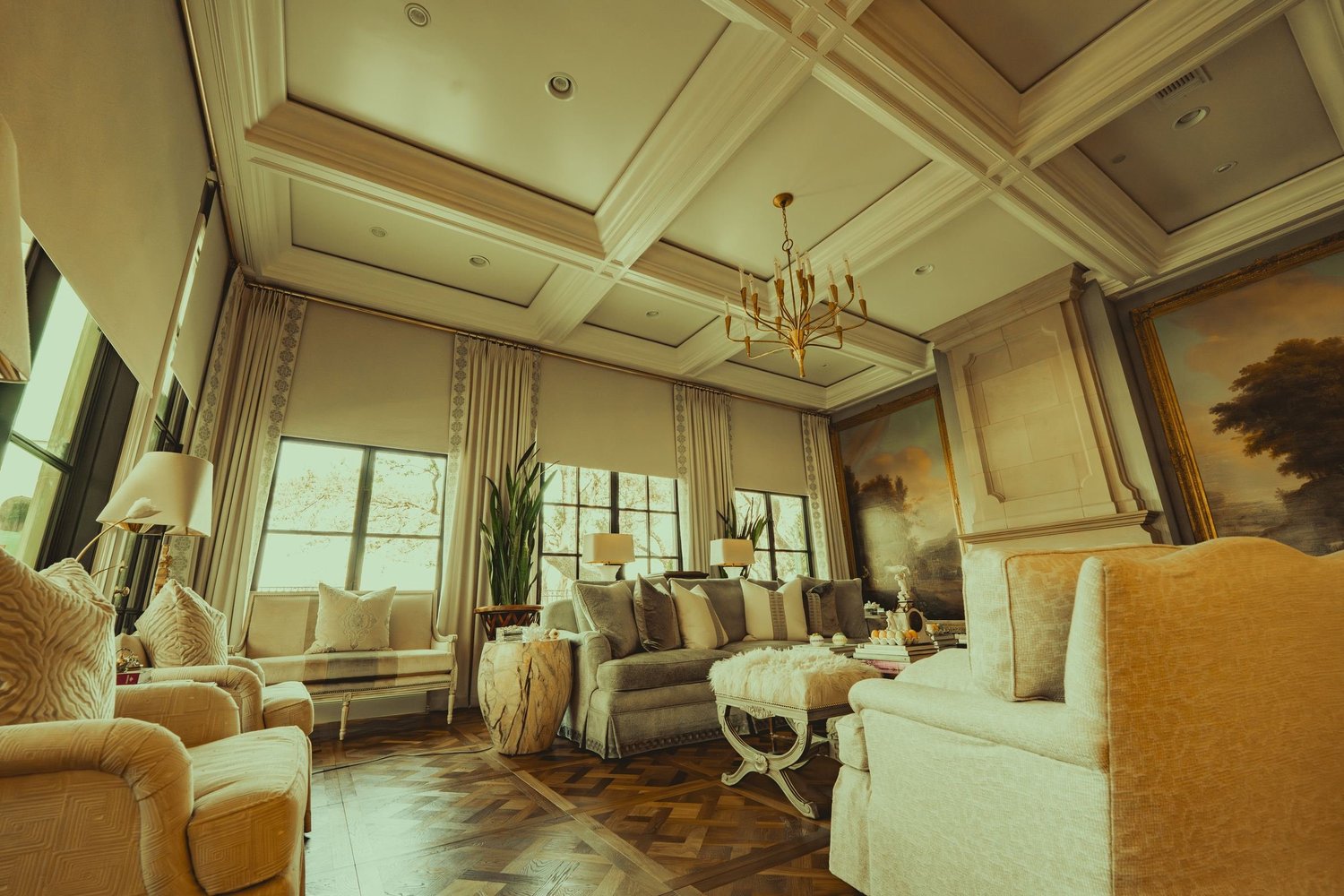
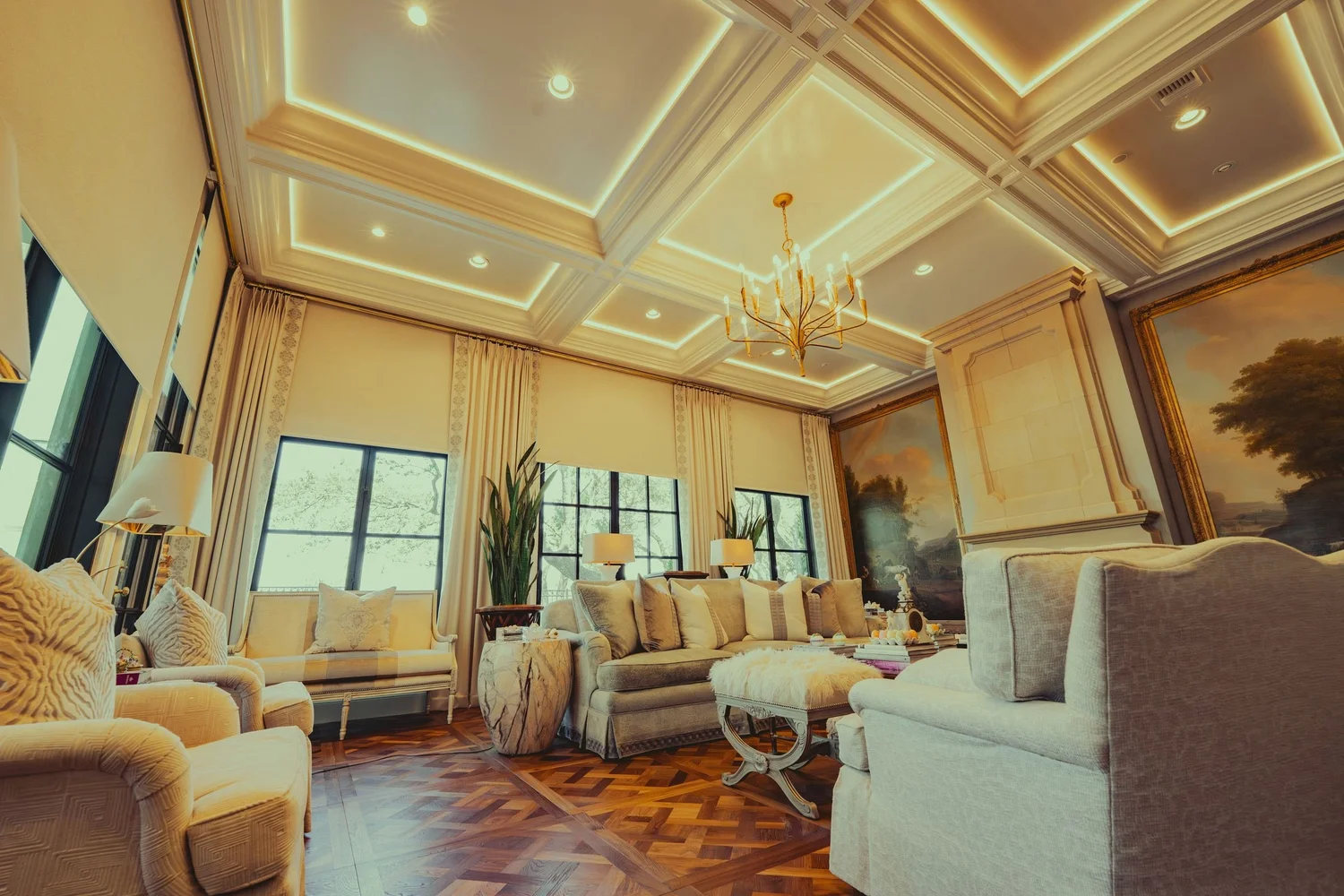 Lights offLights on
One platform, more than one way in
Josh.ai combines touchscreens, physical remotes, a mobile app, voice, and automation rather than relying on spoken commands alone (Josh.ai FAQ).
We plan the control you can reach naturally: a wall keypad when you enter, a remote on the sofa, a touchscreen for an overview, or voice when your hands are full.
Wall or tabletop touchscreens
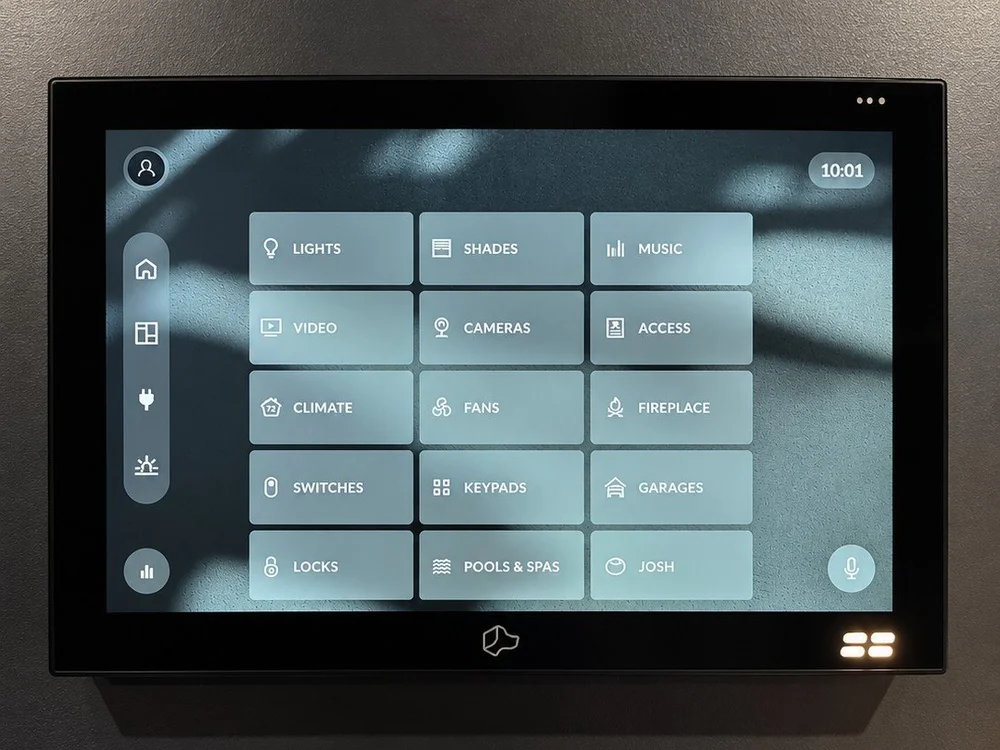
Josh Touchscreen brings room and whole-home controls together, with a choice of wall or tabletop placement and tap-to-talk voice (Josh Touchscreen).
Use a screen where a visual overview is more useful than a single scene button.
Physical control on the sofa
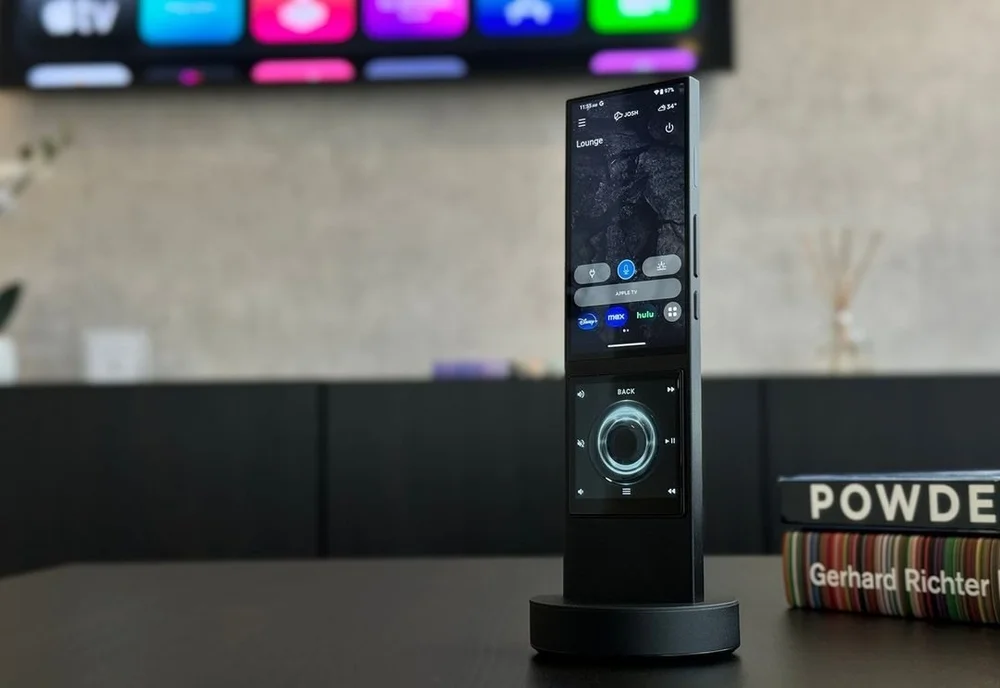
Josh Edge combines an aluminum hard-button design, six customizable upper buttons, navigation, media controls, and tap-to-talk (Josh Edge).
The lineup also includes the AVA partnership's Home and Cinema remotes, with touchscreen and Dynamic Keypad options depending on the model (Josh on remotes).
Room-aware microphones
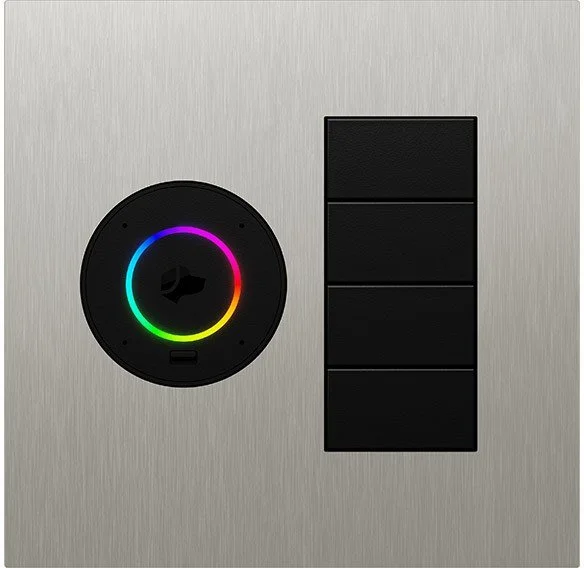
Josh Micro can sit on a table or mount on a wall, while the smaller Josh Nano is a wall or ceiling microphone that requires Josh Core (Micro; Nano).
Plan microphone locations around the rooms and routines where speaking is genuinely useful.
Phone and tablet control
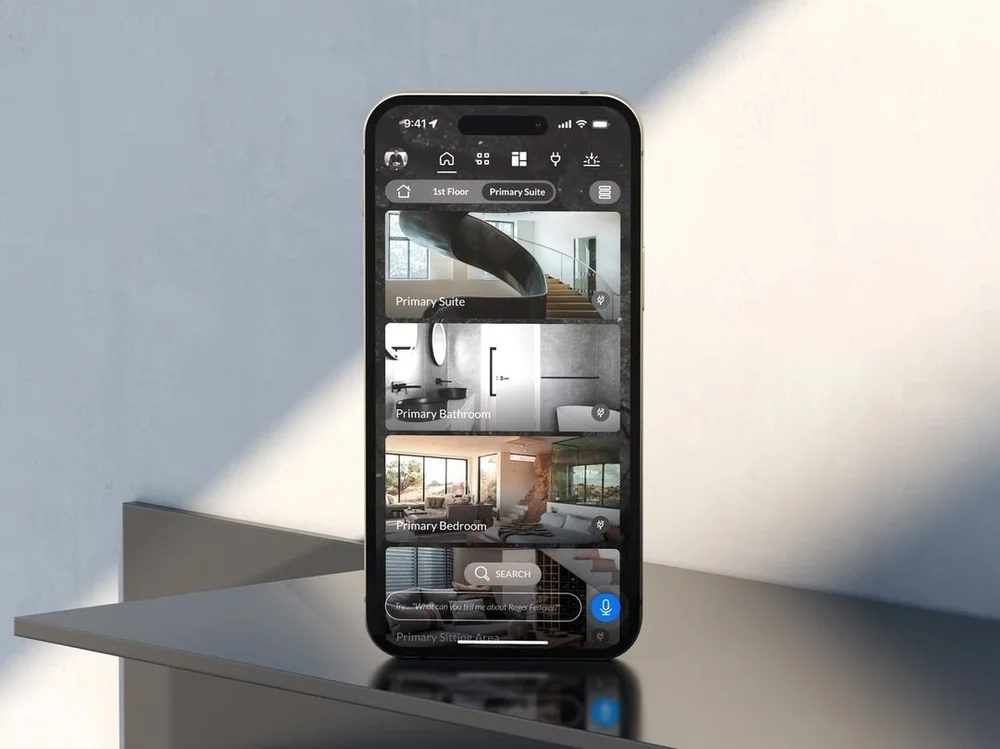
The Josh app provides home control on Apple and Android devices, alongside the home's dedicated interfaces (Josh app and compatibility).
Use the same clear room and scene names across the app, screens, and voice commands.
Scenes that connect systems
Josh scenes can combine supported lighting, shading, music, and other devices, with schedules and triggers configured for the project (Josh scenes and automation).
A useful starting brief is simple: what should happen when you arrive, watch a film, or go to bed?
The Josh remotes in hand
Short silent loops of the Josh Edge and the Josh.ai-Ready AVA Cinema Remote. Choose around the controls you want to reach without looking and the screens you actually need.
Lutron does the lighting. Josh connects the experience.
Lutron controls the lighting and shades; Josh adds shared interfaces and coordination with other supported systems (Josh and Lutron).
We plan the Lutron keypads and scenes first, so the home is useful before anyone learns an app or a spoken command.
HomeWorks QSX
Josh lists HomeWorks QSX support for lighting, shades, and keypads, with its later integration update adding supported thermostats and occupancy sensors (QSX integration update).
Explore HomeWorks QSX for a new build or a more comprehensive lighting plan.
RadioRA 3
RadioRA 3 is on Josh's supported Lutron platform list, alongside other Lutron systems (supported platforms).
See our RadioRA 3 guide when planning around an existing house.
Ketra, shades, and scenes
The Josh–Lutron integration includes control of supported Ketra lighting and Lutron shades, with the available functions depending on the system (lighting and shading integration).
Choose the light, window treatments, and keypads first; then confirm the exact Josh integration.
For an existing HomeWorks QS, RadioRA 2, RA2 Select, or Caséta installation, start with the processor and bridge model: those product families appear on Josh's supported-device list, but that is not a promise that every older component or feature is compatible.
Music, video, climate, and security
Josh's public compatibility list includes Sonos, BluOS and WiiM for music, plus selected video, thermostat, lock, and security products (manufacturer's supported-device list).
Qolsys is listed among Josh's supported security integrations (security compatibility).
That does not turn a security panel into a Josh Touchscreen: the panel keeps its own purpose, interface, and security functions.
We confirm the exact models, firmware, bridge requirements, and permitted security actions before promising an integration.
Planning the complete system? See whole-home automation from Smarter Homes.
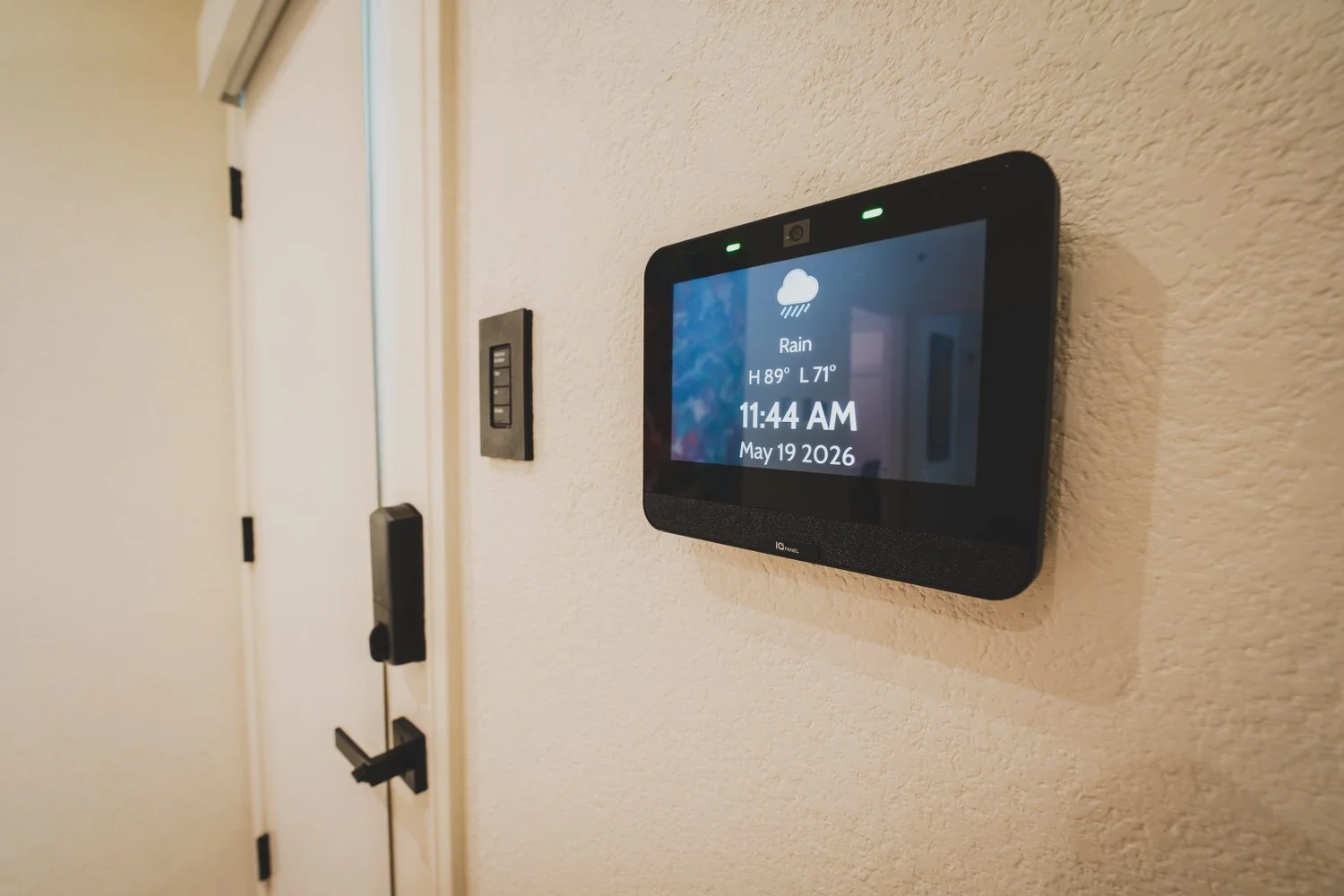
What belongs in the rack, and what belongs in the room?
The processor and room interfaces do different jobs; choose the architecture before counting screens or microphones.
Josh Core
Core is a system processor that supports Nano and coordinates interfaces such as Micro, remotes, touchscreens, and the app (Josh Core).
Josh One
One is another processor option that supports Micro, touchscreens, and remotes (Josh One).
Confirm the current system limits and interface requirements for your design.
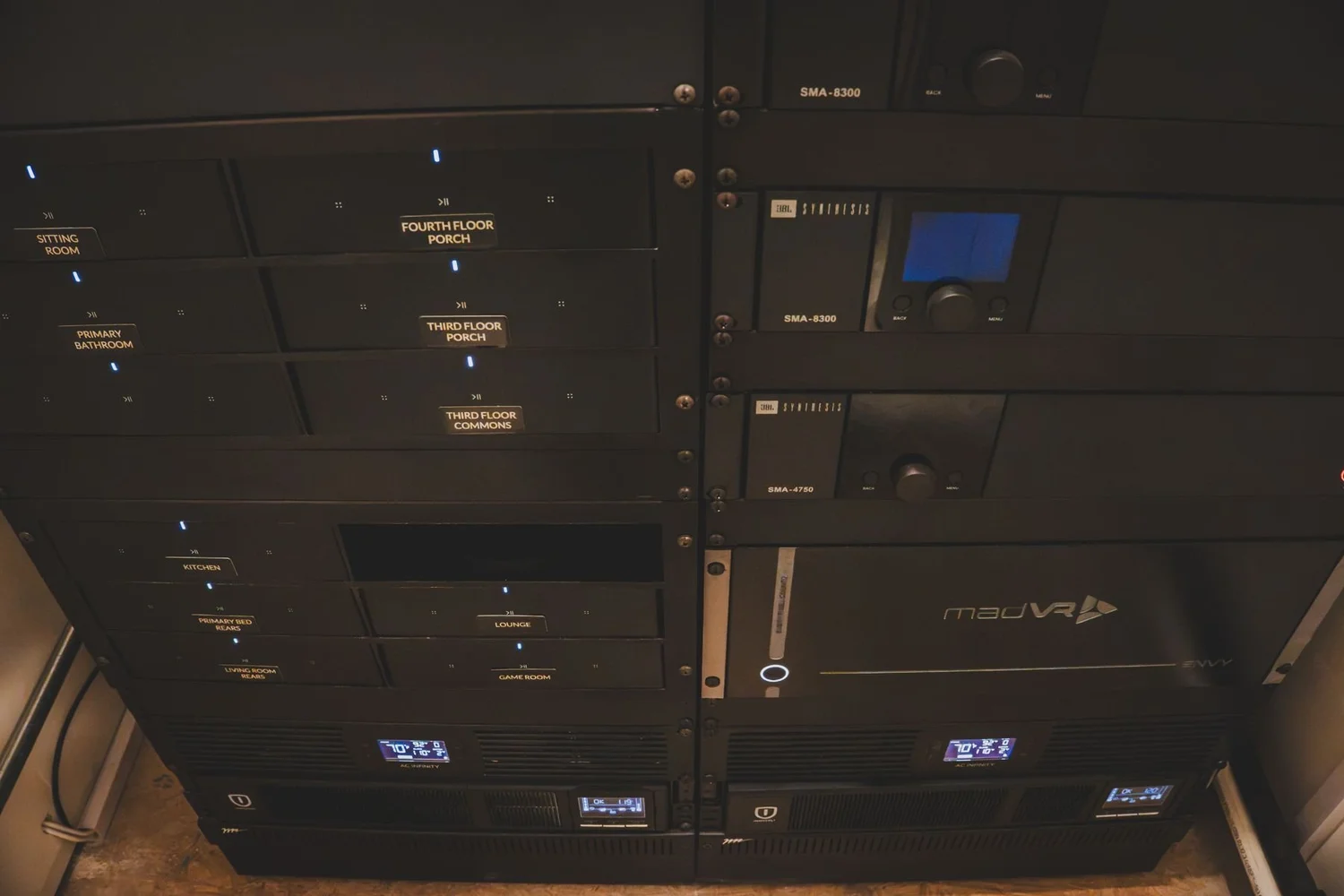
Internet and privacy, explained plainly
Josh.ai says it requires cloud access and cannot be used while the internet is down (manufacturer FAQ).
We keep Lutron's own physical controls central to the design instead of making an internet-dependent interface the only way to operate the lights.
Josh Nano includes a physical switch that disconnects its microphones (Nano privacy controls).
Decide which rooms need microphones, who should have app access, and how guests will use the home without needing a phone.
A plan before a product list
Choose the routines
List the daily moments that should be easier, then decide which need a button, screen, remote, voice command, or automation.
Check the systems
Bring the Lutron processor model and a list of your music, video, climate, and security equipment so compatibility can be checked.
Design the interfaces
Place keypads, screens, and microphones intentionally, with clear room names and a straightforward route for guests and family members.
Josh.ai FAQ
Is Josh.ai just a voice assistant?
No: Josh also offers dedicated touchscreens, physical remotes, app control, and automation, alongside voice (Josh.ai FAQ).
Does Josh replace Lutron?
No: Lutron remains the lighting and shading system, while Josh provides additional interfaces and connections to other compatible systems (Josh and Lutron).
Which remote should I choose?
Josh Edge is a hard-button remote, while the AVA partnership adds Home and Cinema remote options with different interfaces (current remote lineup); choose around the controls you want to reach without looking and the screens you actually need.
Can Josh work with my security system?
Qolsys is on Josh’s supported security list (security compatibility), but the panel model, firmware, and permitted actions need checking for your project.
Does Josh work without internet?
Josh.ai says cloud access is required and Josh cannot be used while the internet is down (internet requirements); keep the original lighting controls part of the plan.
Can I physically disconnect a microphone?
Josh Nano includes a physical microphone-disconnect switch (Nano privacy controls); confirm the privacy controls for each interface selected.
What is the difference between Core, One, Micro, and Nano?
Core and One are processor options, Micro is a room interface, and Nano is a small microphone that requires Core (Core, One, Micro, Nano).
Can I see Josh.ai at the showroom?
Book a visit to discuss your control plan and ask which Josh products are available to see before you travel; this page does not promise that a particular Josh demonstration unit is on display.
Bring your floor plan and your questions
Book a visit to discuss how Josh interfaces could fit your Lutron project; ask which Josh products are available to see before you travel.
Smarter Homes Lutron Showroom5524 Bee Caves Rd, Unit J8
West Lake Hills, TX 78746
512-775-6101
Showroom visits are by appointment.