Lutron Support in Austin
Programming changes, repairs, upgrades, and help for Lutron lighting, shade, and keypad systems from Smarter Homes.
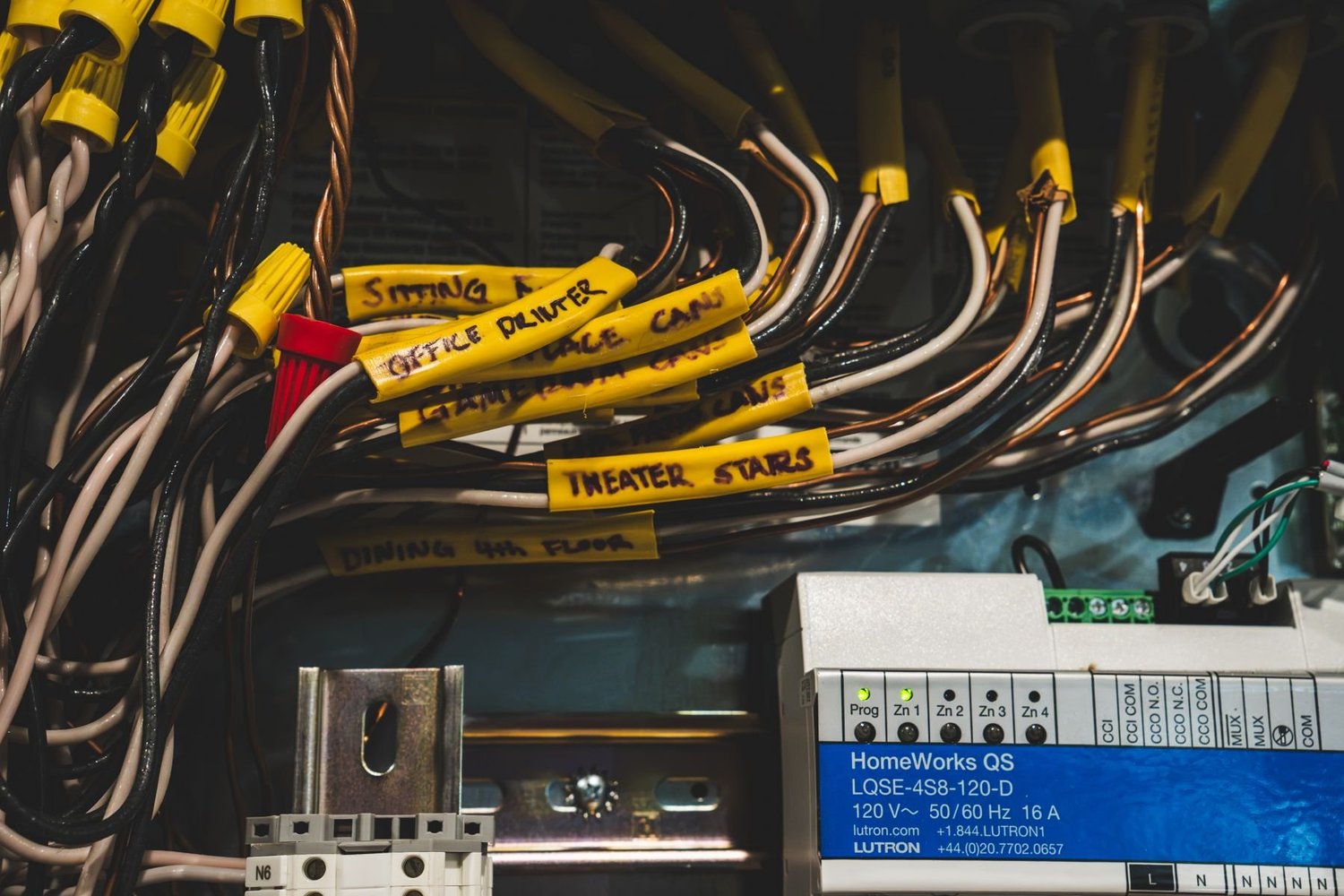
Support for Lutron systems in Austin
Call 512-775-6101 or book a showroom visit. Tell us what system you have and what is not working, and we will tell you what we can do.
Common reasons owners call
Lutron says RadioRA 3 can only be programmed by qualified installers using Lutron Designer, which is why many changes need a professional.
Scenes and keypad changes
Rename buttons, change what a scene does, add a bedtime or away scene, and update keypad engraving.
Adding rooms and devices
New dimmers, keypads, shades, or lighting for a remodel or addition, with the programming to match.
Repairs and replacements
Find the failed dimmer, module, keypad, or shade and replace it.
Upgrading older systems
Plan the move from older RadioRA 2 or HomeWorks systems to RadioRA 3 or HomeWorks QSX.
Shades
Adjust shade limits, groups, and timing for Sivoia QS, Triathlon, or Palladiom shades.
Network issues
Control problems that trace back to the home network, Wi-Fi, or the processor connection.
Helpful details to have ready
- Your system, if you know it: RadioRA 2, RadioRA 3, HomeWorks QS, HomeWorks QSX, or Caseta
- The room and device that is not working, and what you expected it to do
- When it started, and anything that changed, such as a power outage, remodel, or new router
- A photo of the keypad or processor label, and of the control panel if you can open it safely
If you have a Lutron app, a screenshot of the error helps. Lutron's own help is at the Lutron Support Center, which lists a phone number of 844-403-1795 for US and Canada. For a professionally programmed system, your installer is usually the right first call.
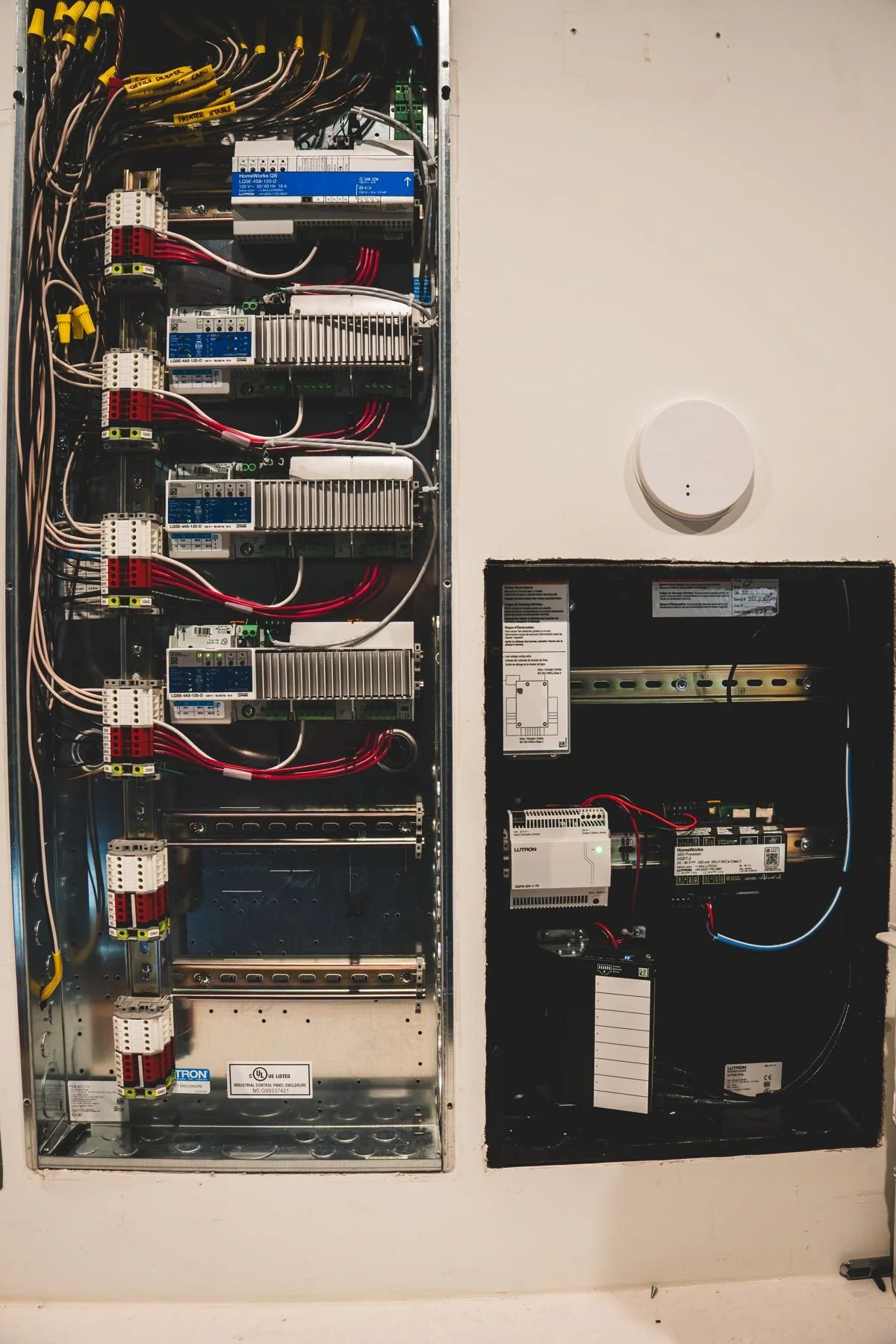
Taking over an existing system
We can look at a system we did not install. We start by identifying the processor, the devices, and who holds the programming file, then tell you what is practical.
If your home is moving off an older platform, see our pages on HomeWorks QSX and RadioRA 3.
Support FAQ
Who should I call first if a keypad or scene stops working?
If Smarter Homes installed your system, call us at 512-775-6101. If someone else did, call that installer first. We can also look at it.
Can you work on a system you did not install?
Often yes. We start by identifying the system and the programming file, then tell you what is practical.
Can I program RadioRA 3 myself?
Lutron states that RadioRA 3 can only be programmed by qualified installers using Lutron Designer.
Does Lutron offer support directly?
Yes. The Lutron Support Center lists product help and a phone number of 844-403-1795 for the US and Canada.
Can you add a room to my existing system?
Yes. We plan new devices and programming so the new room works with your existing scenes and keypads.
Where are you located?
5524 Bee Caves Rd, Unit J8, West Lake Hills, TX 78746. Showroom visits are by appointment. Book a visit.
Need help with your system
Smarter Homes Lutron Showroom5524 Bee Caves Rd, Unit J8
West Lake Hills, TX 78746
512-775-6101
Showroom visits are by appointment. Bring your plans and we will map products, wiring, and scenes to your floor plan.