How Smarter Homes Designs and Installs Lutron Systems
One team takes your Lutron lighting, shades and keypads from the first conversation to programming, handover and support, in six steps.
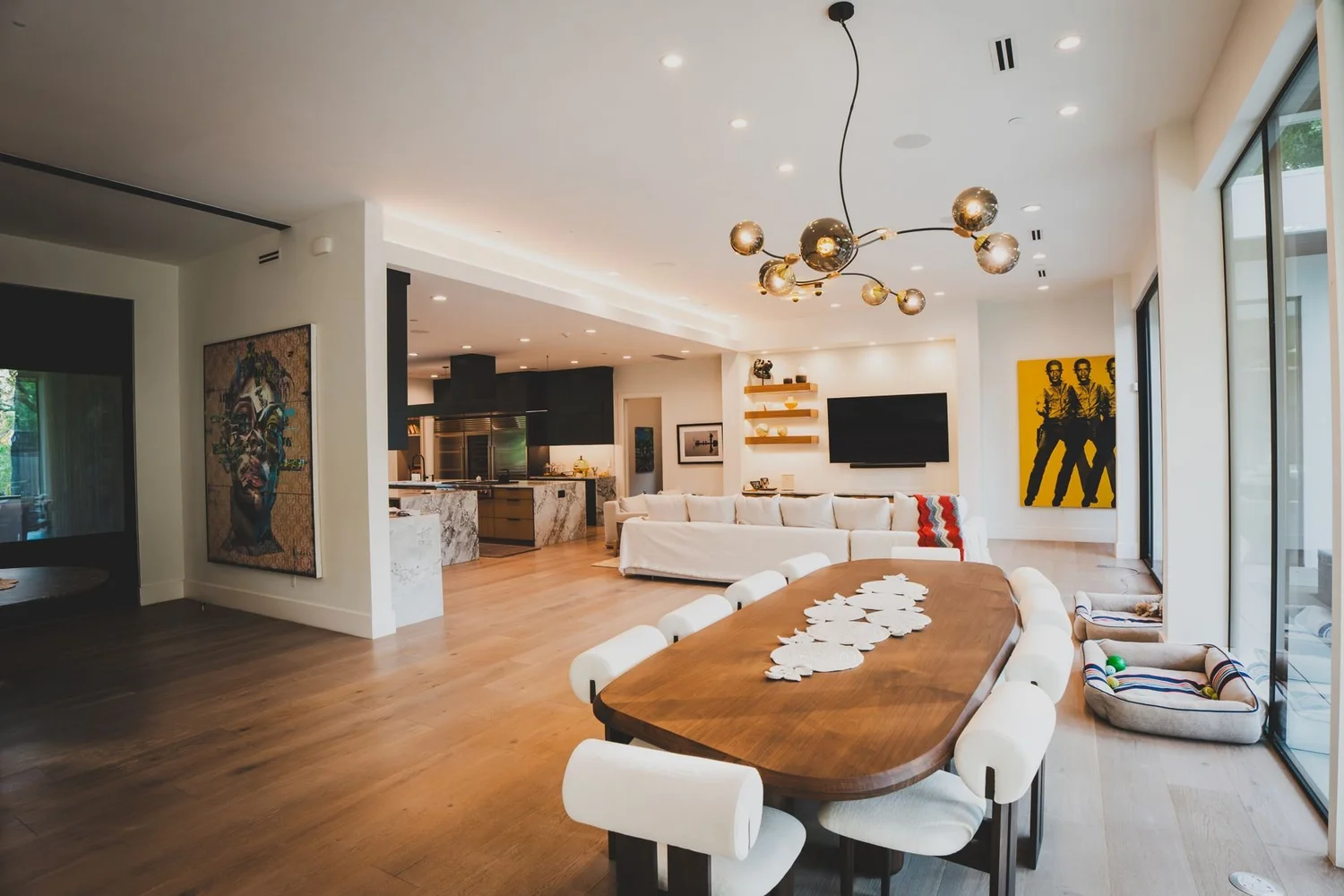
Six steps, one accountable team
1. Discovery
We start with a conversation and, ideally, a visit to our West Lake Hills showroom. We learn how you live in the home, which rooms matter most, the style of keypads you like, and the budget range. If you have plans, we review them. The Project Planner gives you an early, section-by-section range before we meet.
2. Design and drawings
We choose the Lutron system that fits the project, usually HomeWorks QSX for new construction and major renovations and RadioRA 3 for remodels. Then we lay out lighting zones, keypad locations and engraving, shade locations and pockets, and where the equipment will live. You review a written proposal and drawings before anything is ordered. Builders and architects get the details they need for the drawing set; see builders and architects.
3. Prewire and rack
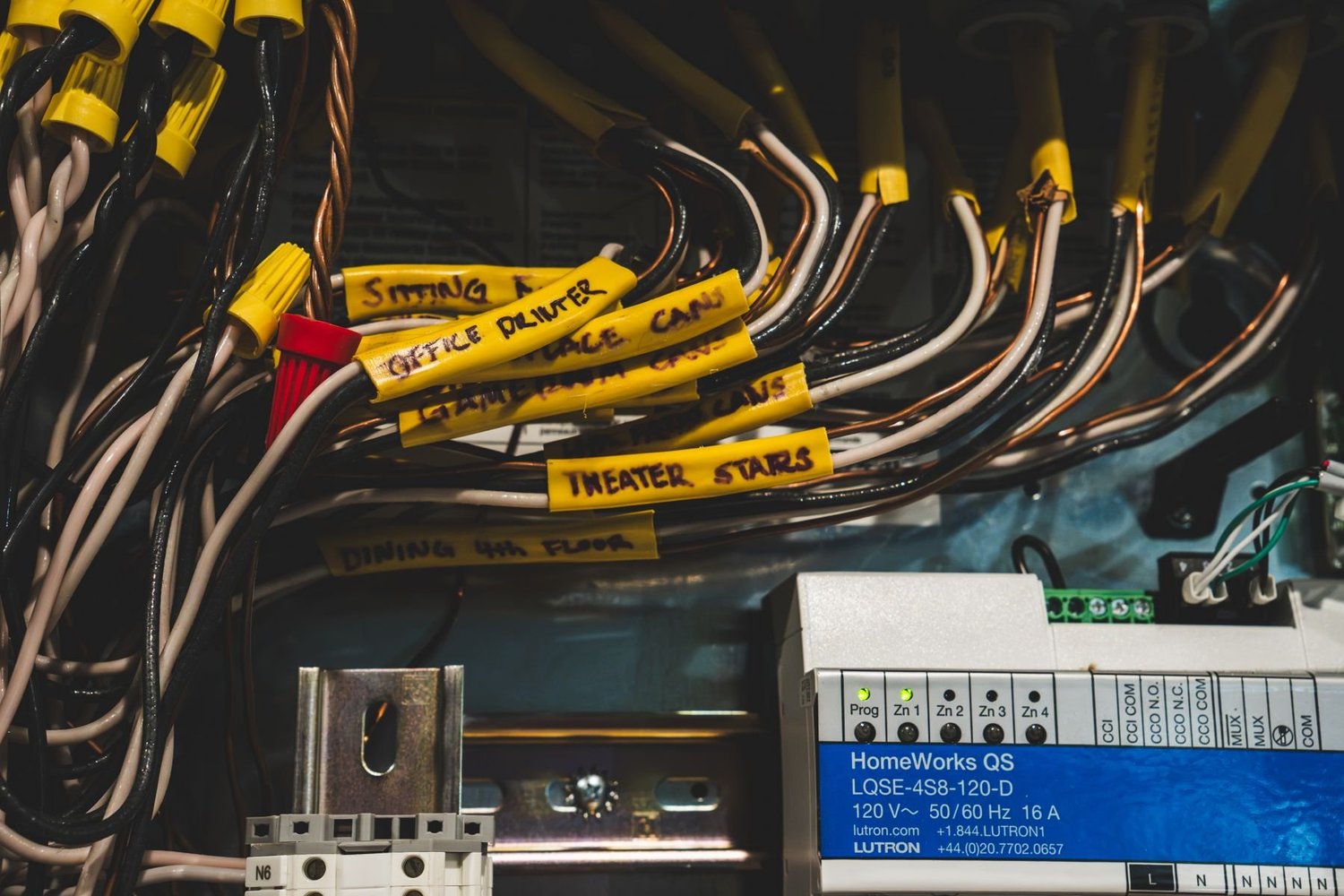
Before drywall, our team runs and labels the low-voltage wiring for keypads, shades and the processor, and confirms shade pockets and backbox locations on site. The panels and equipment rack are built and labeled to the plan, so every load and cable is documented for service later.
4. Programming
After trim, keypads, dimmers, fixtures and shades are installed and the system is programmed in Lutron Designer. We set up scenes, timeclock events and shade schedules, link Ketra fixtures where they are used, and test the house room by room.
5. Handover
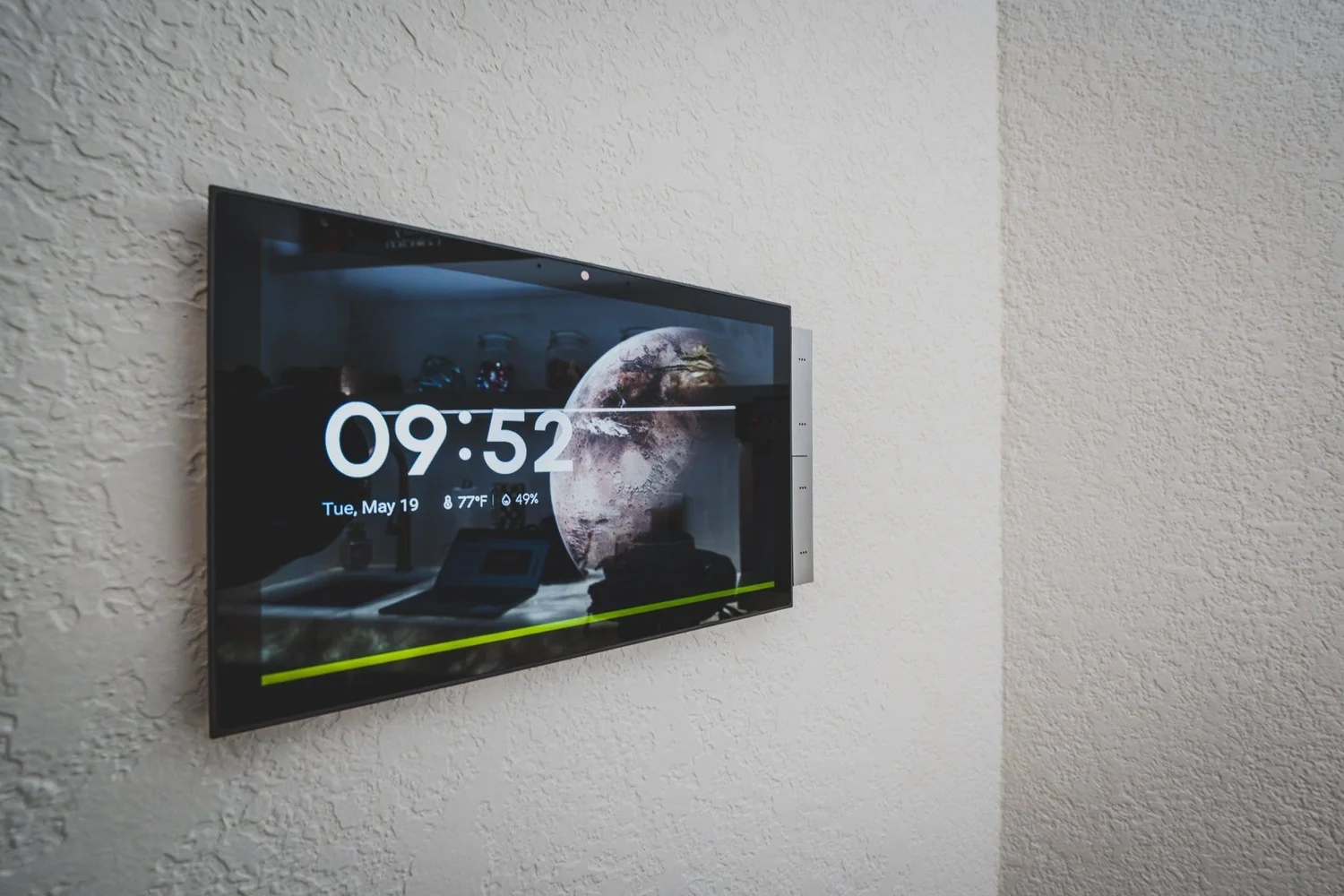
We walk you through the house: what each keypad does, how to use the Lutron app, and how to change a scene or schedule. Engraving is checked, and you get the documentation for your system.
6. Support
Smarter Homes stays the one call for your Lutron system. Settings can be adjusted as your routine changes, and the same team that designed and installed it handles service. See Lutron support.
Where most projects begin
Visit the showroom
See keypads, finishes, shades and Ketra light side by side in West Lake Hills.
Book a visitGet a budget range
Answer a few questions room by room and see a range before we meet.
Open the Project PlannerLutron is one part of what we do. For whole-home audio, video, networking and security, see whole-home lighting and automation by Smarter Homes.
How we work FAQ
How long does a Lutron project take?
It depends on the project. A RadioRA 3 retrofit can be quick, while new construction follows the builder's schedule from prewire through trim. We give you a timeline with the proposal.
Do I need to visit the showroom?
It is not required, but most clients find it the fastest way to choose keypads, finishes and shades. Visits are private and by appointment.
Can you work from my architect's plans?
Yes. Send plans through the form on the builders and architects page and we will reply with Lutron coordination notes.
Who supports the system after it is installed?
Smarter Homes. The team that designs and installs your system also programs and supports it.