Inside a Lutron Equipment Rack
The equipment rack is the part of a smart home you almost never see, and it decides how well the system works in year five. Here is what a well-built Lutron and AV rack looks like, with photos from an Austin home, and what to check in your own.
1. Plan for heat first
Amplifiers, network switches, and power gear all turn some of the electricity they draw into heat. In a closed closet, that heat has nowhere to go. The rack in the photo below has open space around the amplifier and a thermostat-controlled fan controller mounted beneath it, which turns airflow up only when the space warms.
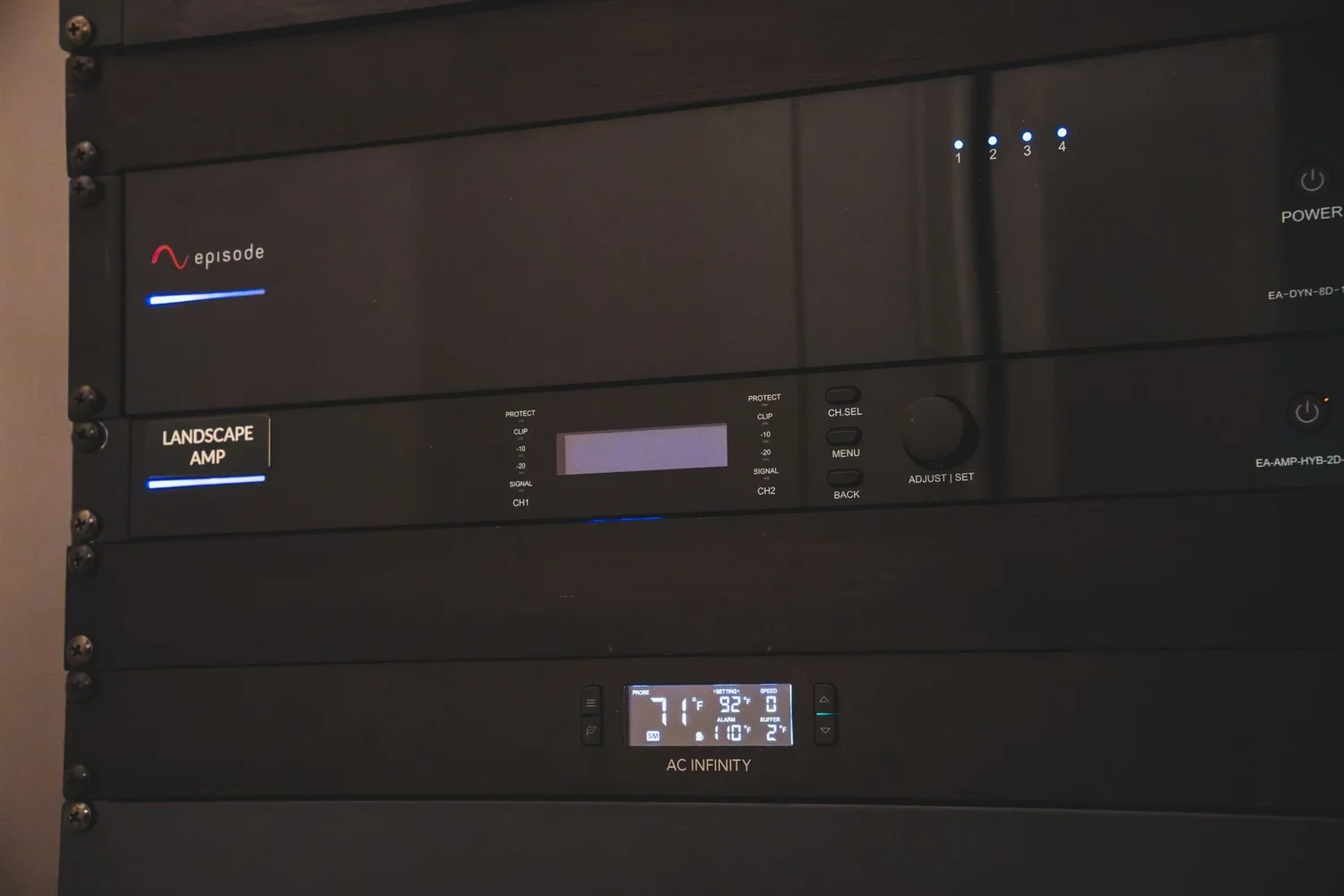
Plan the room with the builder before framing: a return path for air, no solid door without a vent, and clear space above and in front of the gear.
2. Keep lighting control in its own enclosure
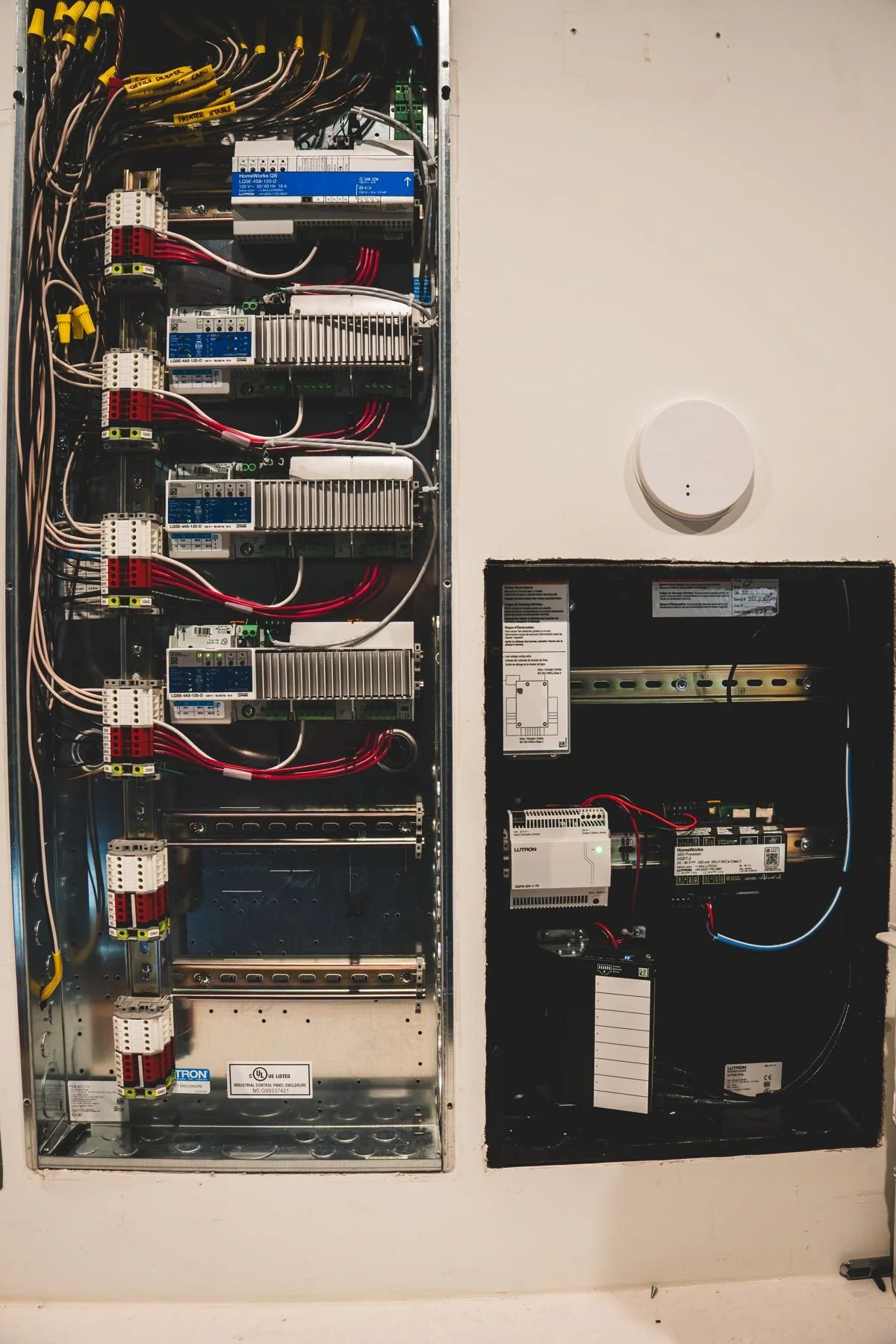
Lighting control processors, modules, and their wiring usually live in a dedicated panel, apart from the audio and network rack. The panel below is a HomeWorks enclosure with modules mounted in rows and the wiring dressed to the sides. Separating low-voltage control wiring from the AV rack keeps service simple and keeps each system tidy.
3. Label every wire where it ends
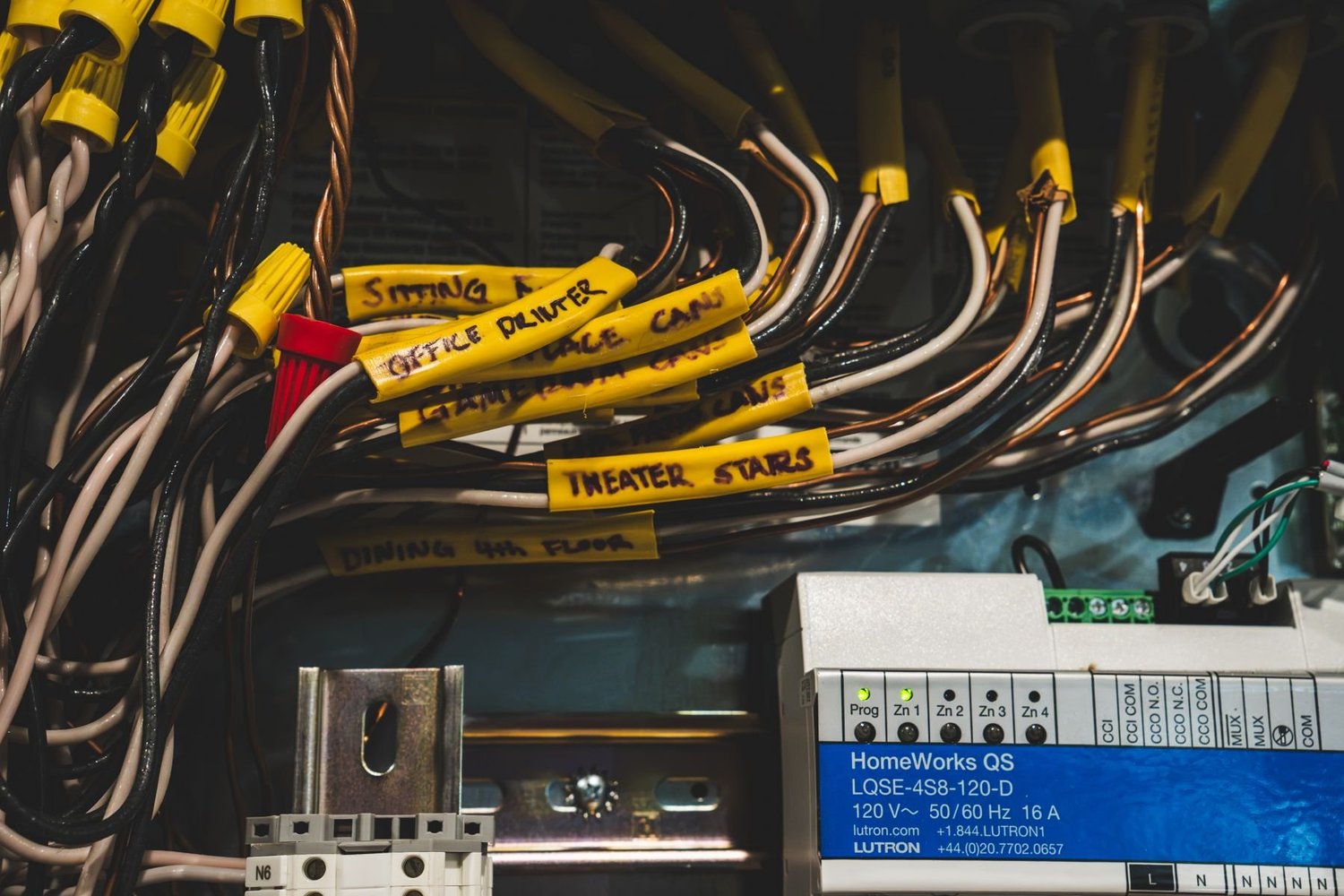
Yellow tape on each conductor names the room or device it serves. When a keypad or fixture needs service in a few years, a technician can find the right circuit in seconds instead of tracing wire through walls.
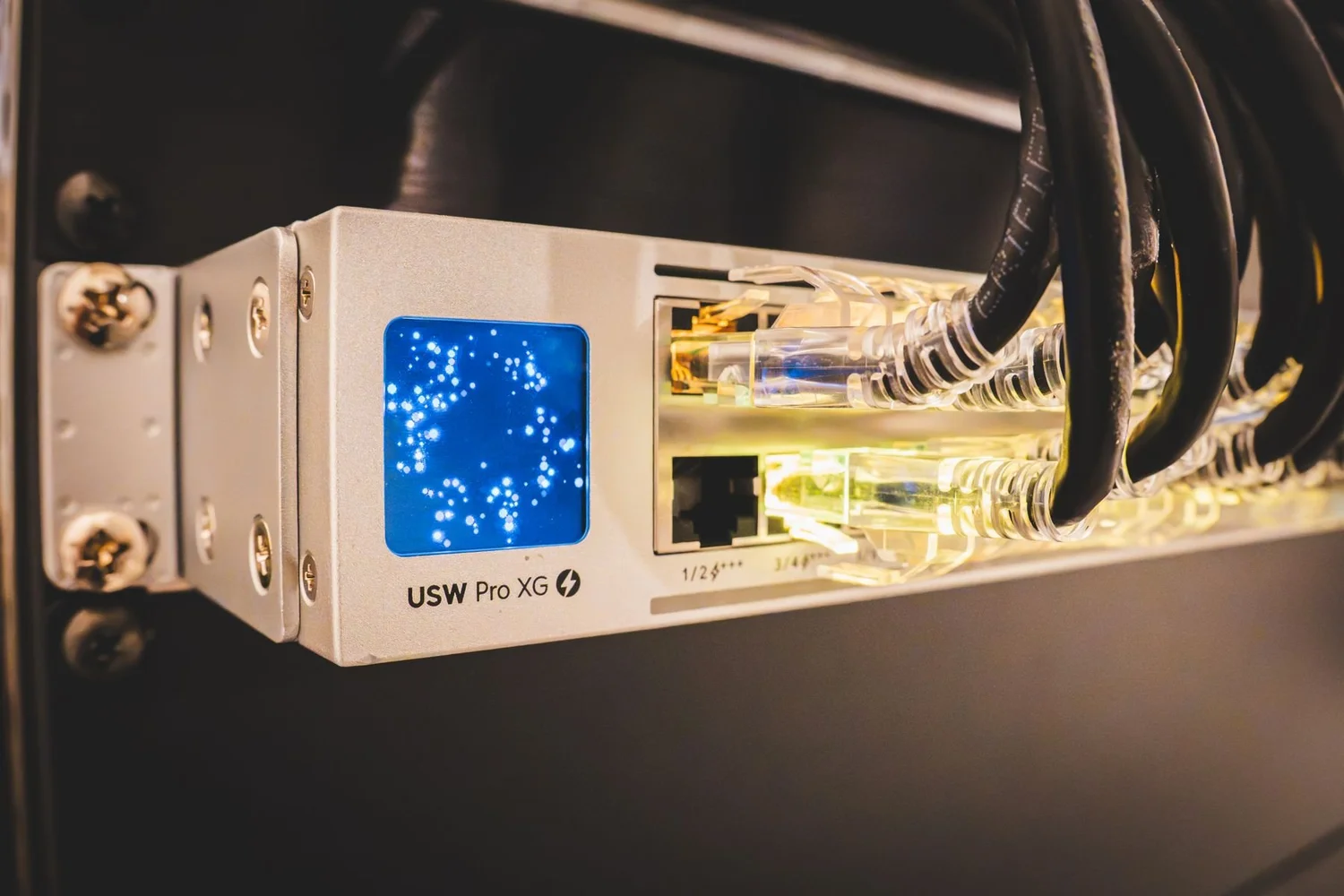
4. Keep patching and cable routing disciplined
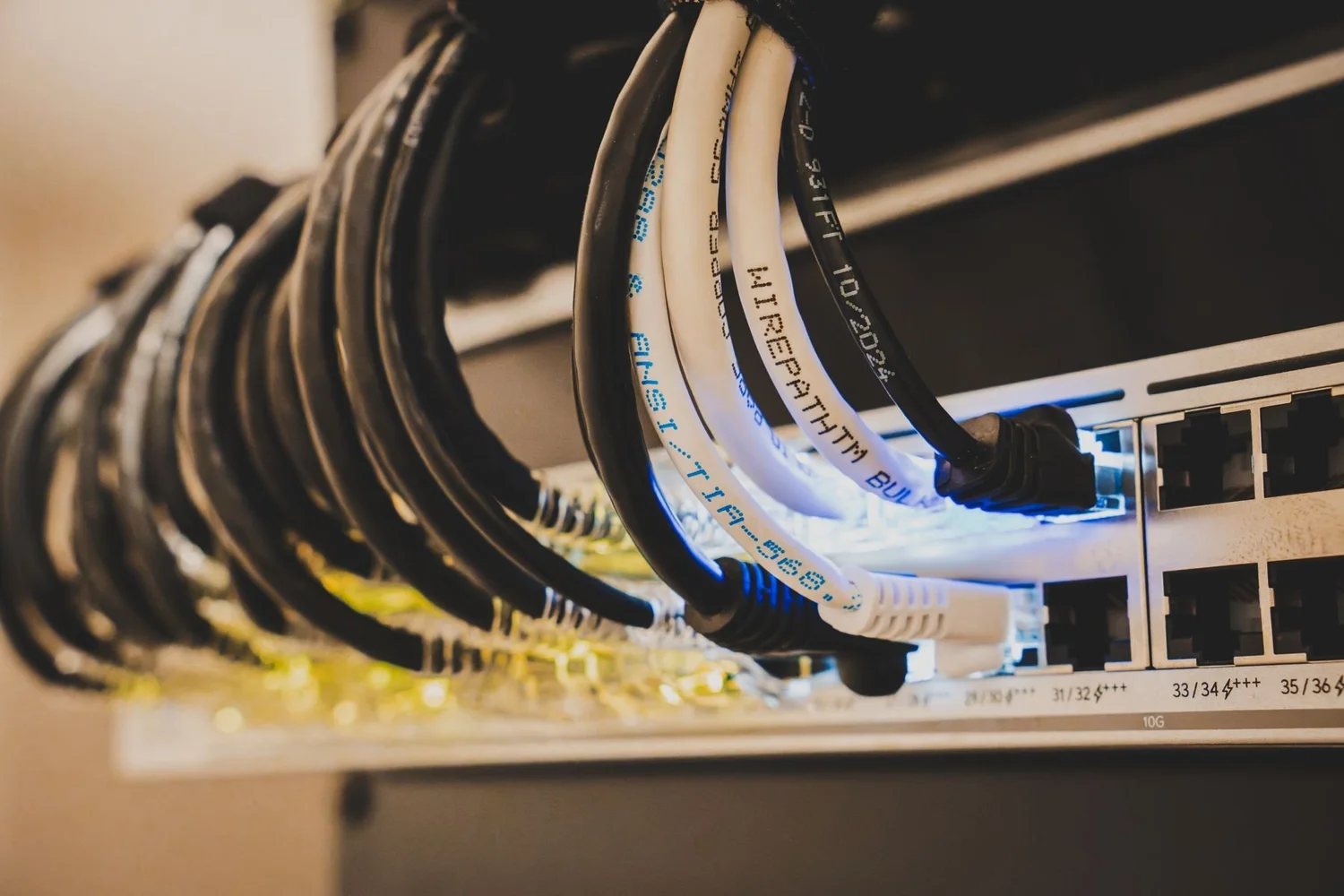
Network patch cables should be the right length, routed to the side, and held with hook-and-loop ties, not nylon ties pulled tight. Tight ties can damage cable and are slow to change. A tidy switch also makes a bad port easy to spot.
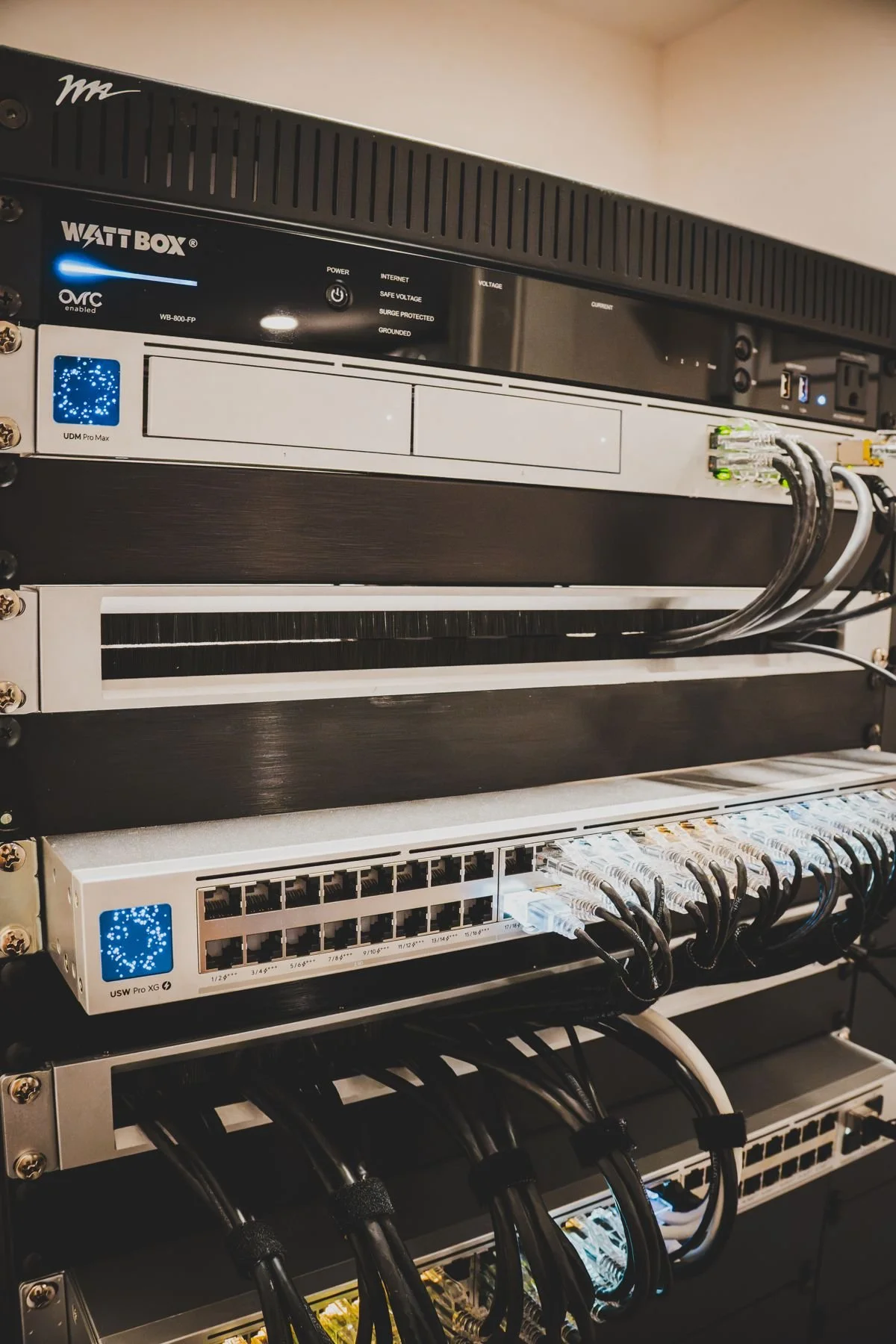
5. Add power conditioning and remote recovery
A power conditioner with remote control lets you or your integrator reboot a locked-up device from a phone without a trip to the house. The rack below pairs a power conditioner with network switches.
A short serviceability checklist
- Is there airflow, and does a thermostat control the fan?
- Are lighting control panels separate from the AV and network rack?
- Is every cable labeled at both ends?
- Are patch cables the right length and tied with hook-and-loop?
- Can you reach the front and back of the rack without moving anything?
- Can you reboot key devices remotely?
These photos come from the project in our Austin modern home case study. See also the Barton Creek case study and our whole-home lighting control guide.
Questions
Why does an equipment rack need ventilation?
Amplifiers, switches, and power gear turn part of the electricity they use into heat. In a closed closet that heat builds up, which shortens equipment life and can cause shutdowns. Open space around gear and a thermostat-controlled fan keep temperatures in a safe range.
Should lighting control panels share a rack with audio and network gear?
Usually not. Lighting control processors, power modules, and their wiring are normally in a dedicated enclosure. Audio, video, and network gear sits in a rack. Keeping them apart makes service simpler and keeps low-voltage and line-voltage wiring apart. See our HomeWorks QSX page.
Why label both ends of every cable?
A label tells a technician which room and device a cable serves without tracing it through the walls. It saves service time and lowers the risk of unplugging the wrong thing.
Can you service a rack that someone else installed?
Often yes. Call 512-775-6101 or book a showroom visit and tell us what you have.
See the products, then plan the system
Showroom visits are by appointment at 5524 Bee Caves Rd, Unit J8, West Lake Hills.
